Start a playbill page
Make a standalone page for a show, with its own link and QR code: start from the ready-made playbill, fill in your details, save it, and publish when it is complete.
Pages guide, about 2 minutes. Recorded November 18, 2026.
Open Pages
Choose Pages in the menu on the left.
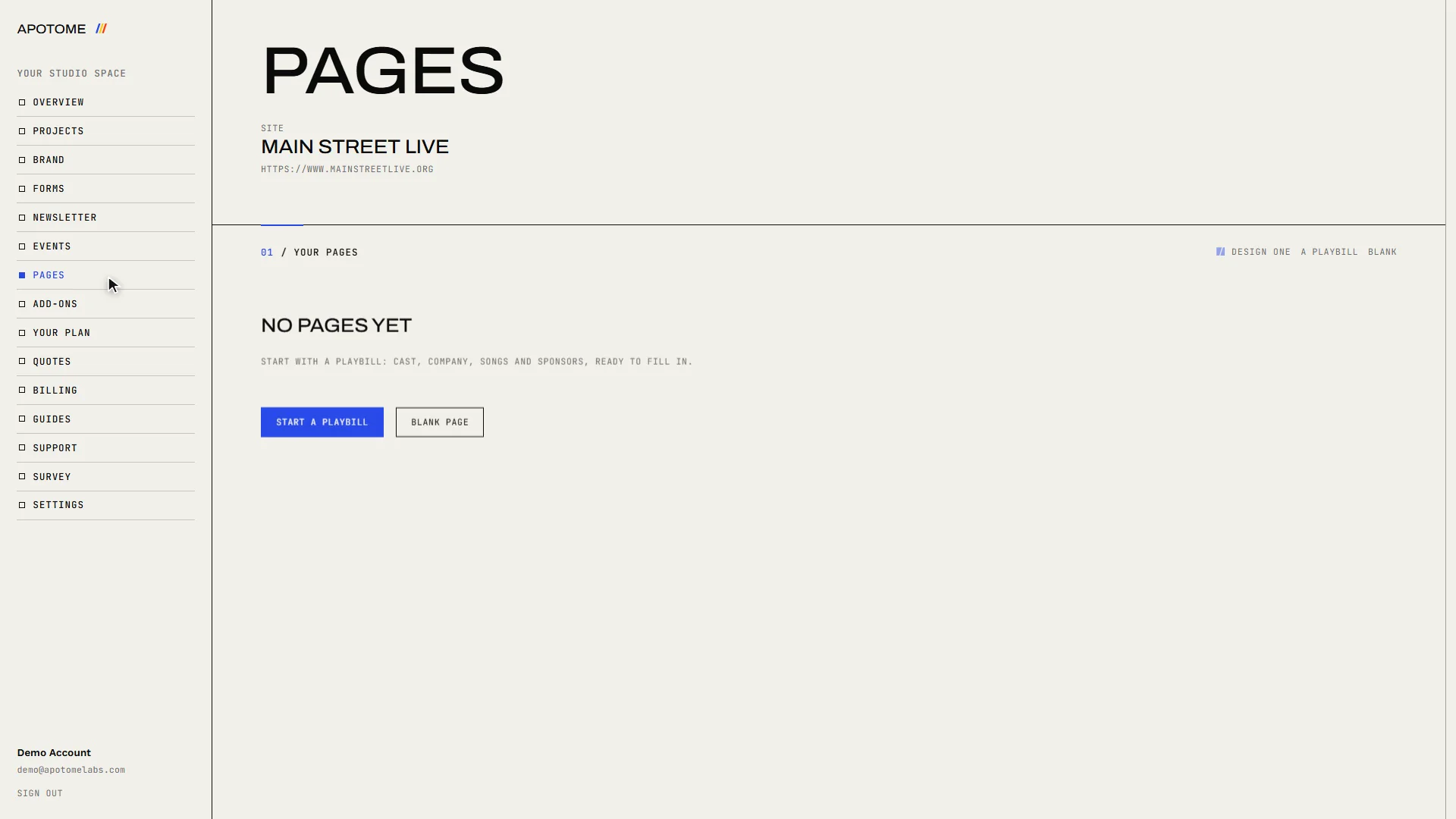
Start a playbill
Choose A playbill. You get a ready-made programme with places for the cast, the company, the songs and your sponsors.
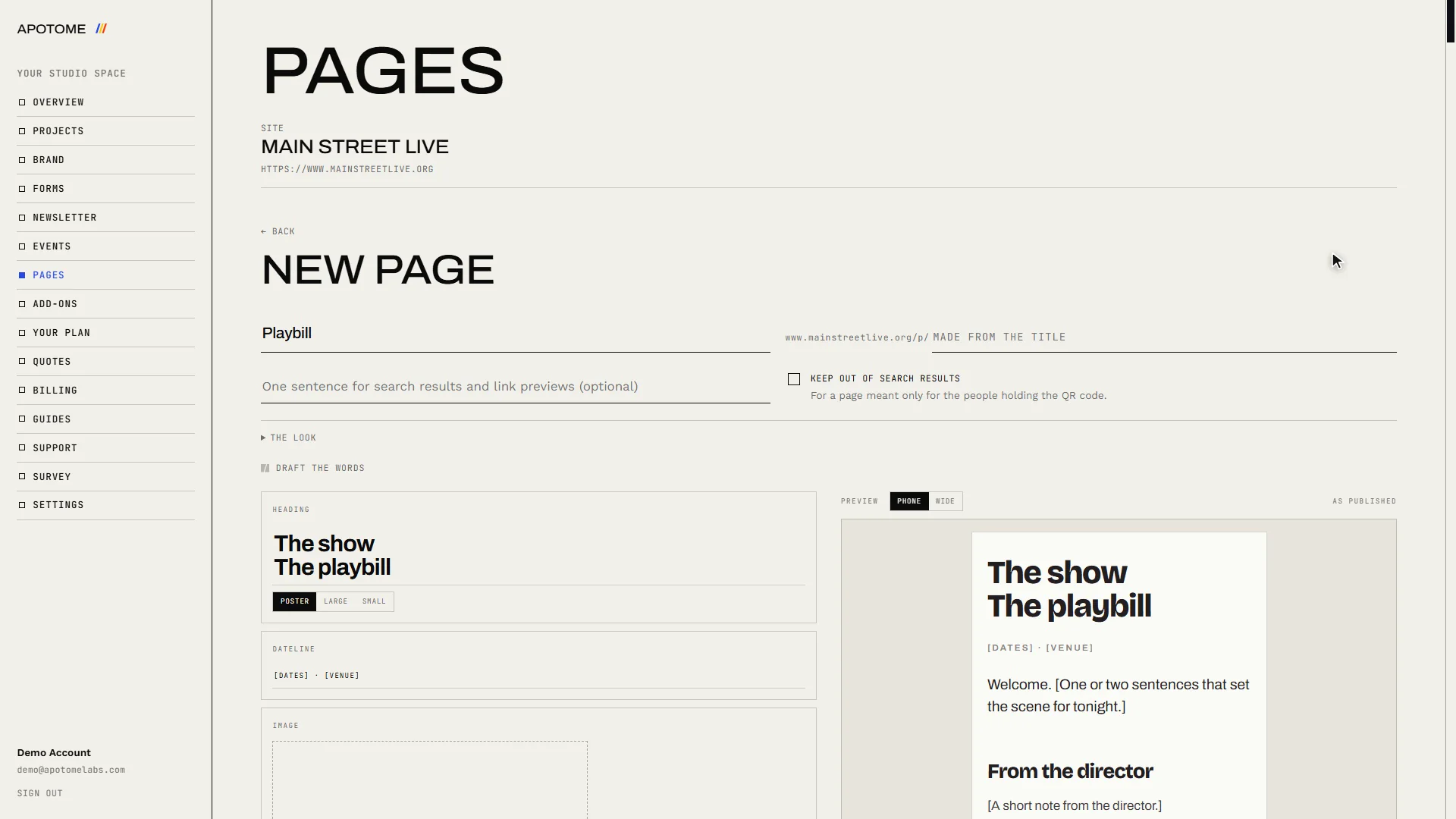
Give it a title
Type a Page title. The page gets its web address from the title.
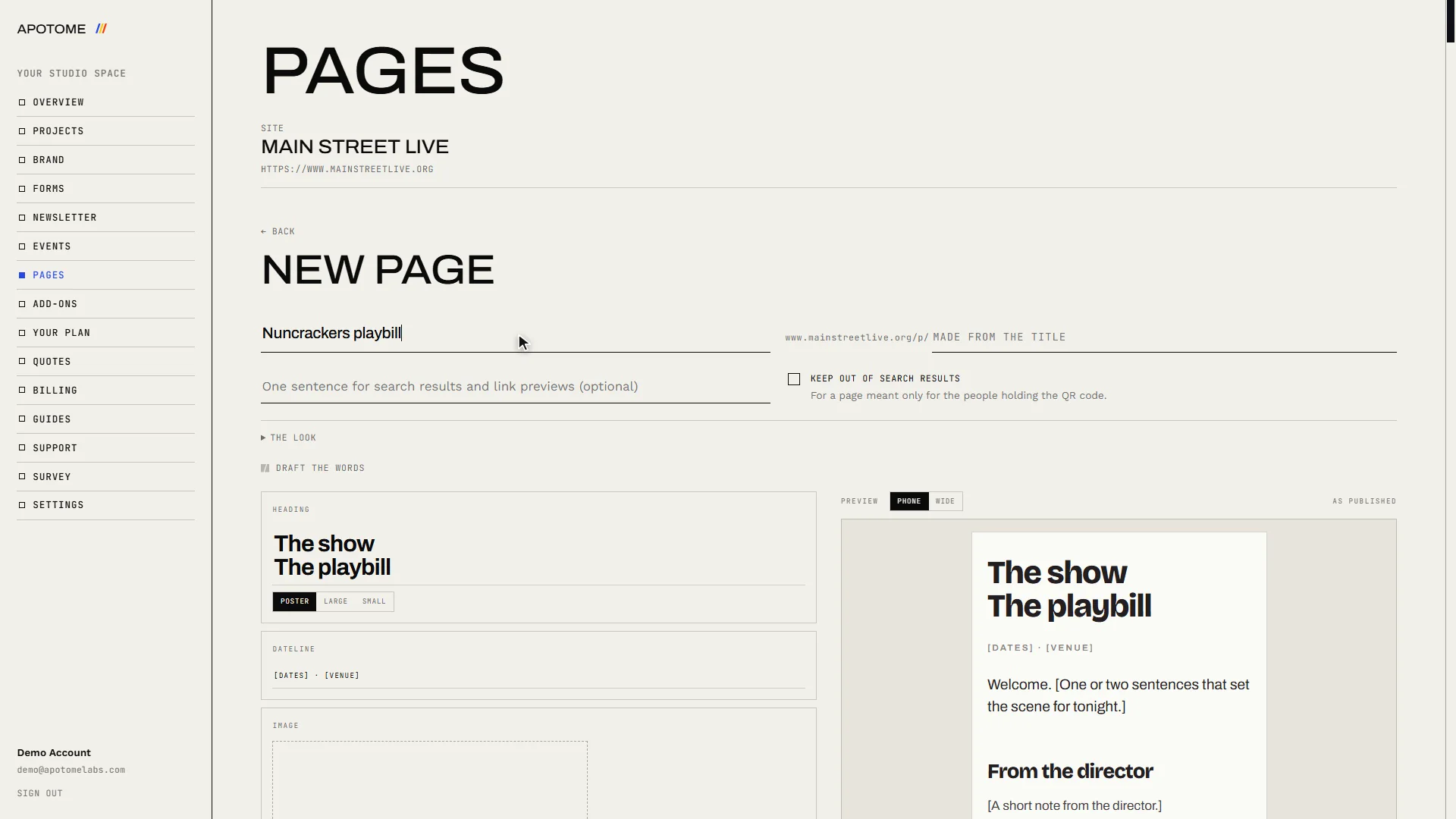
Fill in the top
Replace the sample words: the show name at the top, the dates and venue under it, then a line to welcome your audience.
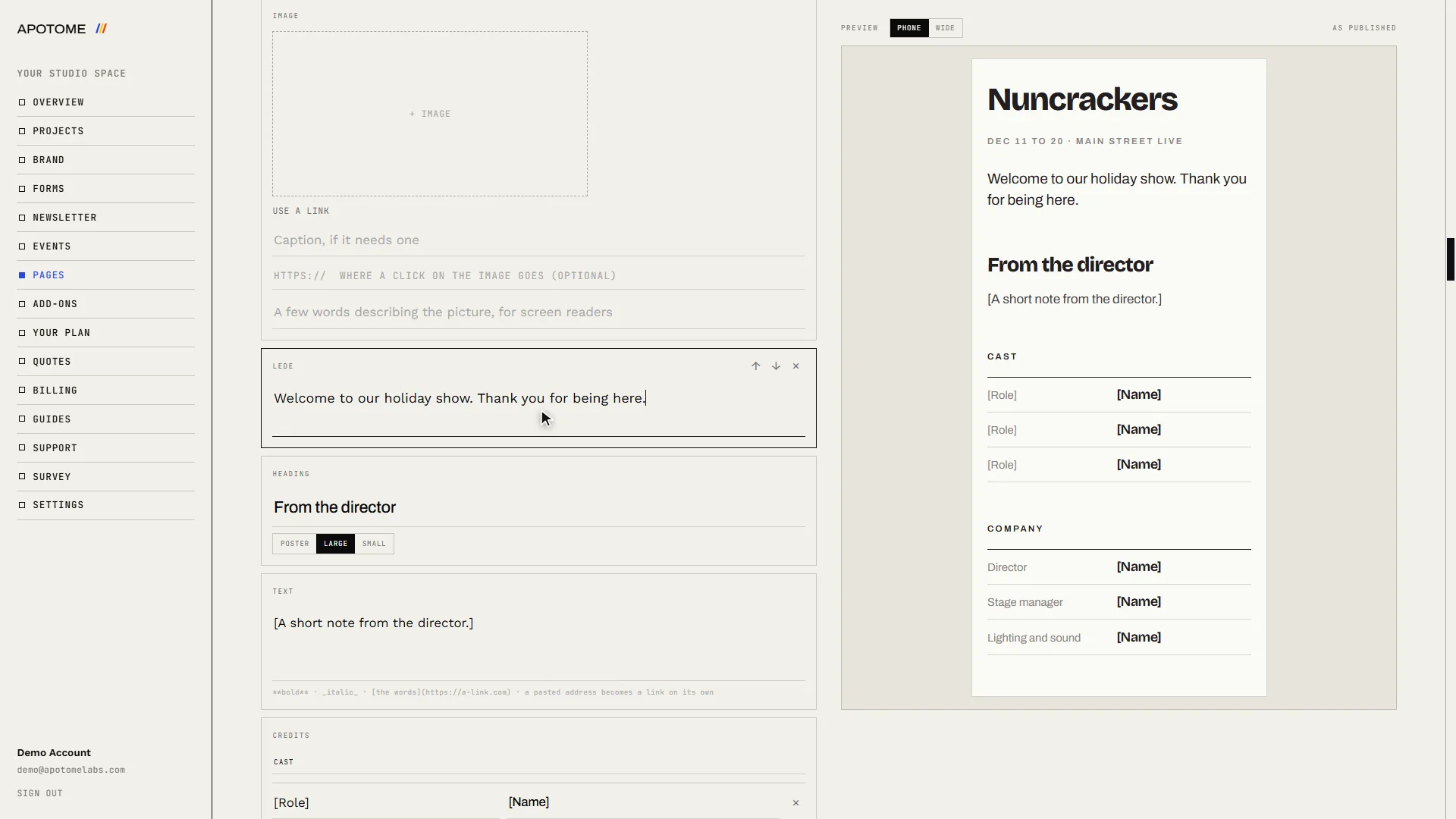
Work down the page
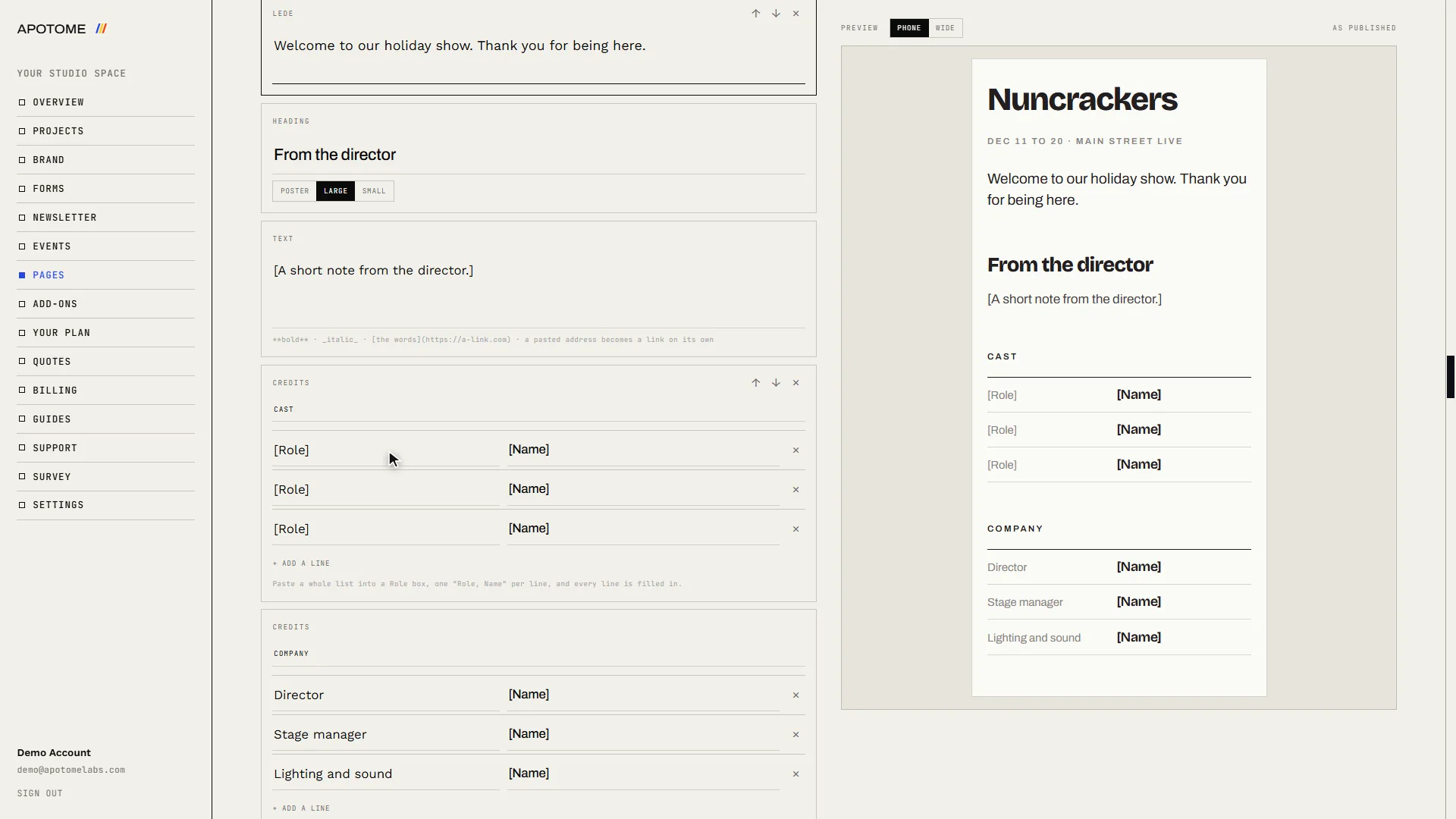
Anything in [square brackets] is waiting for your words. Work down the page replacing each one: the director's note, the cast, the crew, the sponsors. Remove any section you do not need with the × beside it.
Save your draft
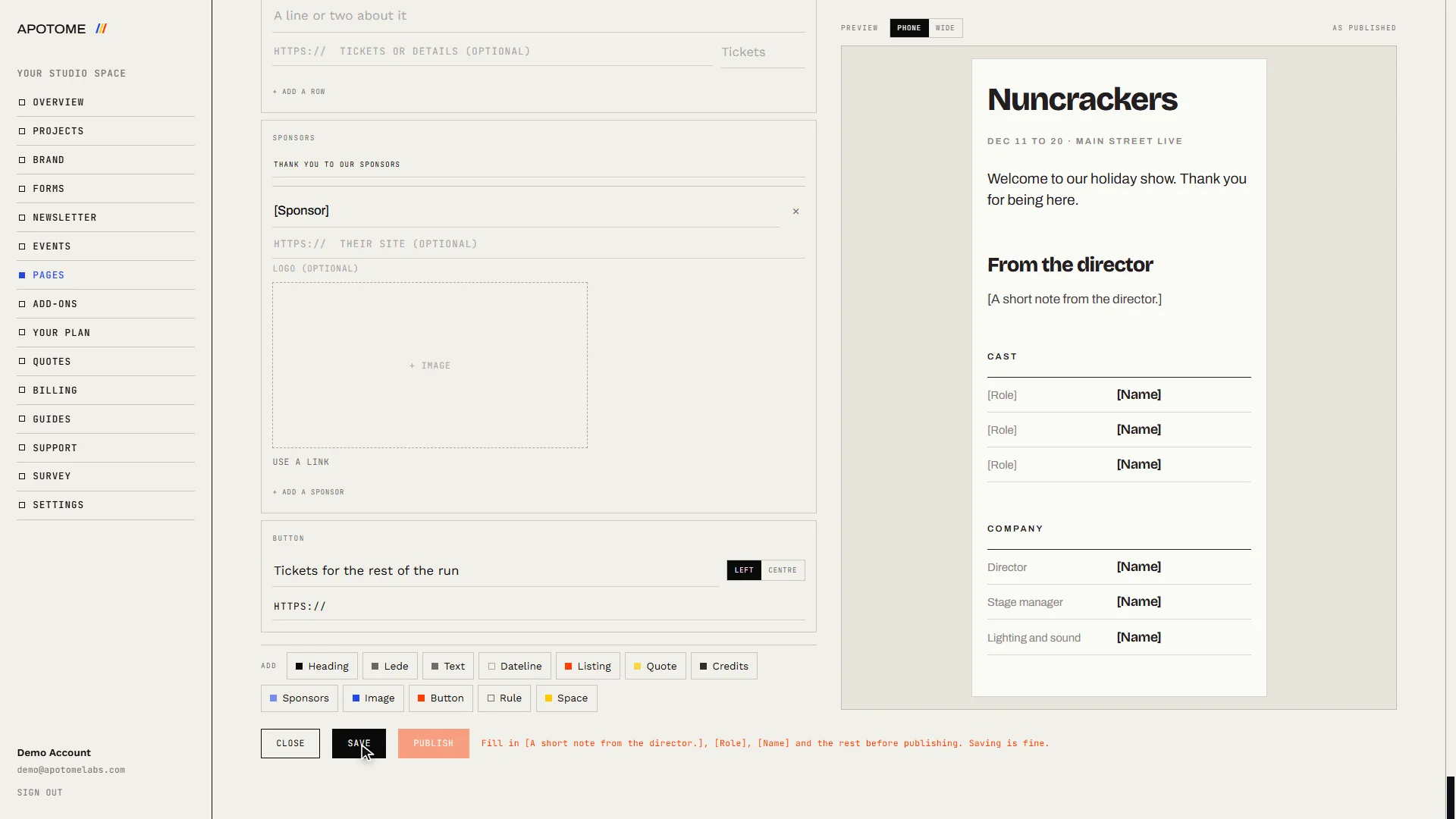
Choose Save to keep it as a draft. Nobody else can see a draft, and you can come back to it as often as you like.
Publish, then share it
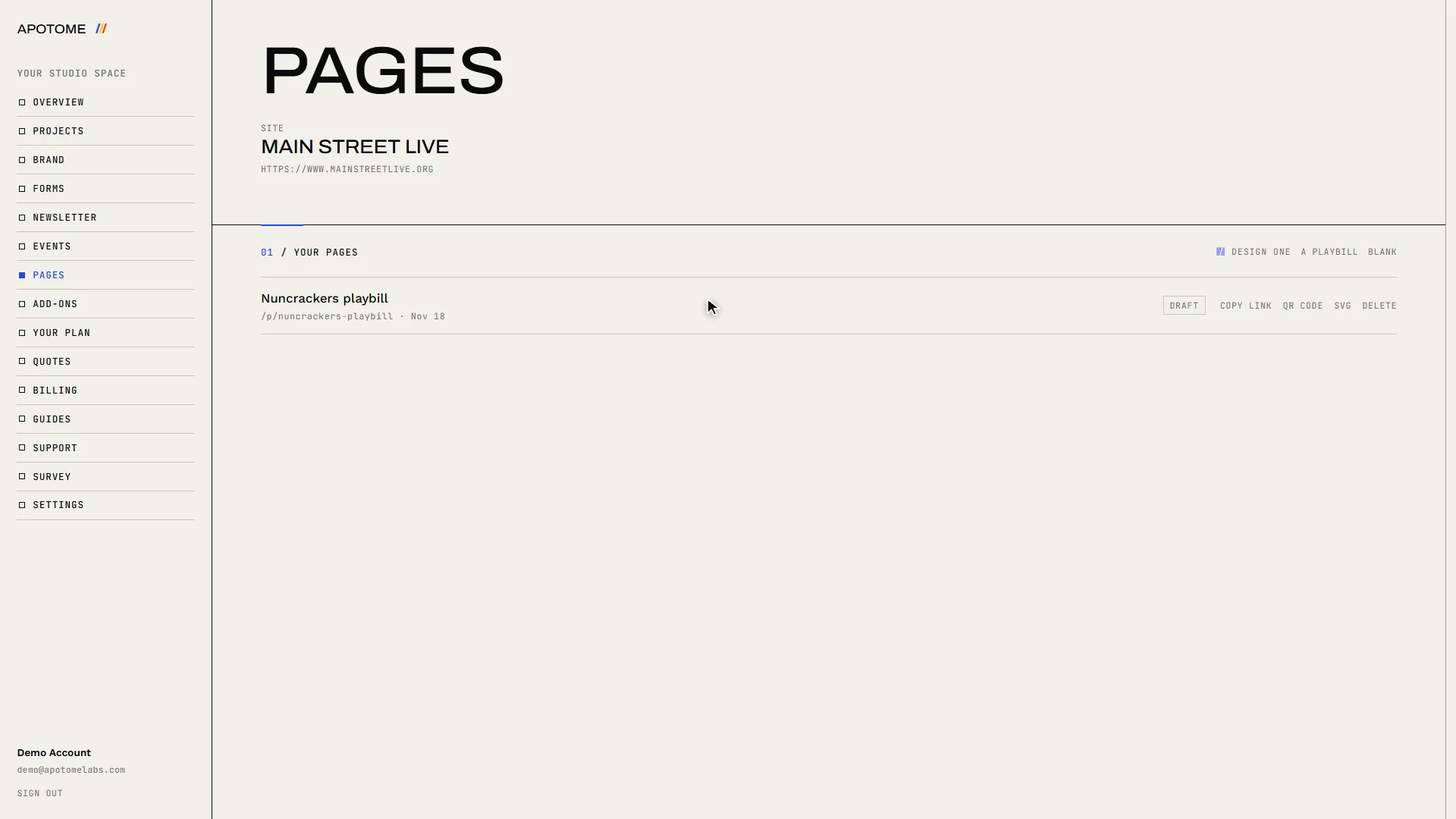
When no brackets are left, Publish becomes available. Once the page is live, Copy link and QR code appear beside it in your list, ready to print in a programme or on a poster.
Related guides
- A tour of your portal: A two-minute walk through your Apotome Labs portal: what each item in the menu is for, from your project and brand to events, newsletter, billing and support.
- Edit your website: Change the words on your website yourself: open the editor from your portal, click the text, type, and publish. Your site updates in about a minute.
- Sign in to your portal: Sign in to your Apotome Labs portal with Google or with your email and password, reset a forgotten password, and sign out again.