A tour of your portal
A two-minute walk through your Apotome Labs portal: what each item in the menu is for, from your project and brand to events, newsletter, billing and support.
Basics guide, about 2 minutes. Recorded November 18, 2026.
Overview
Overview is where you land. It shows your website, anything waiting on you, and the Edit your site button.
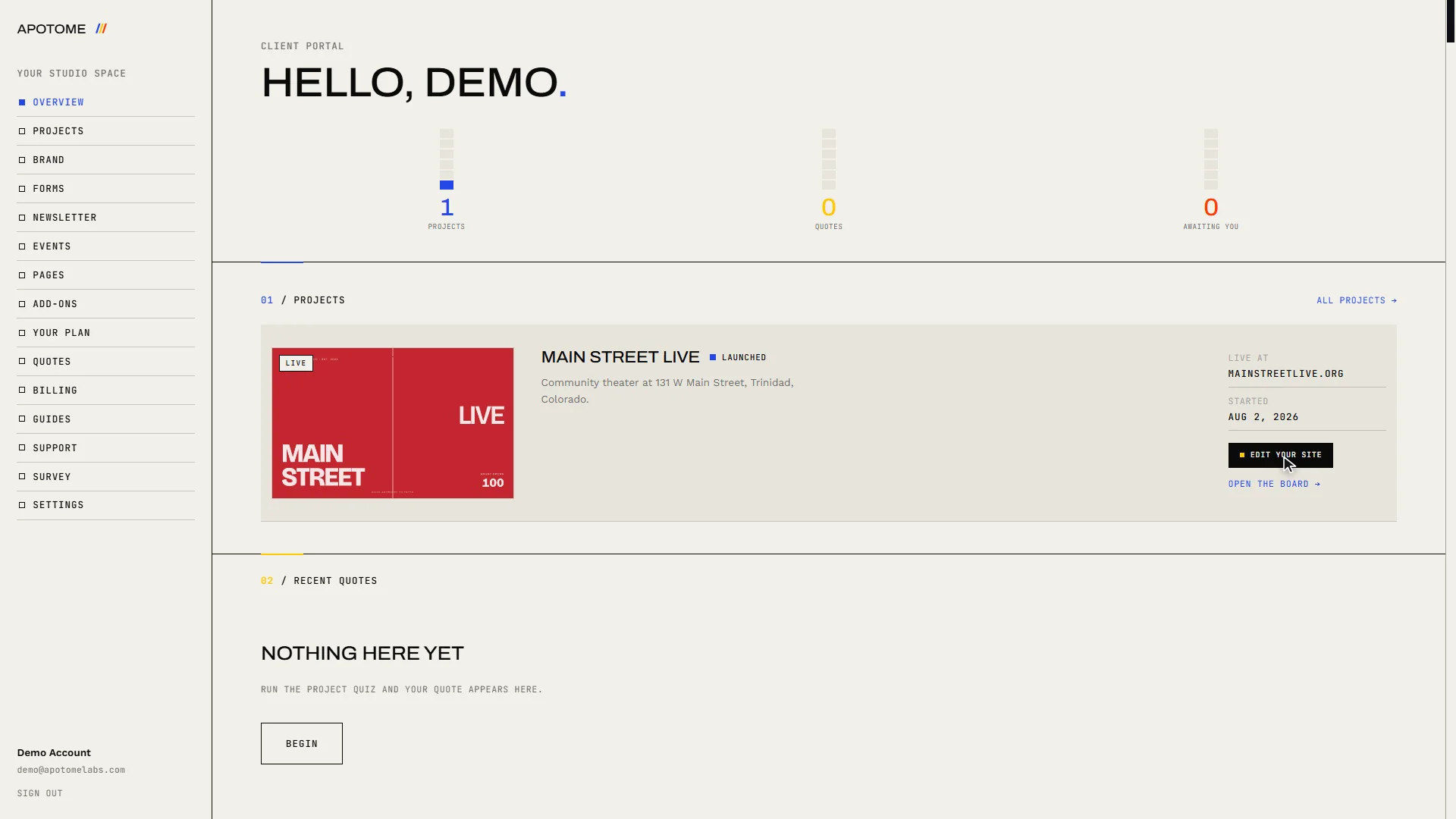
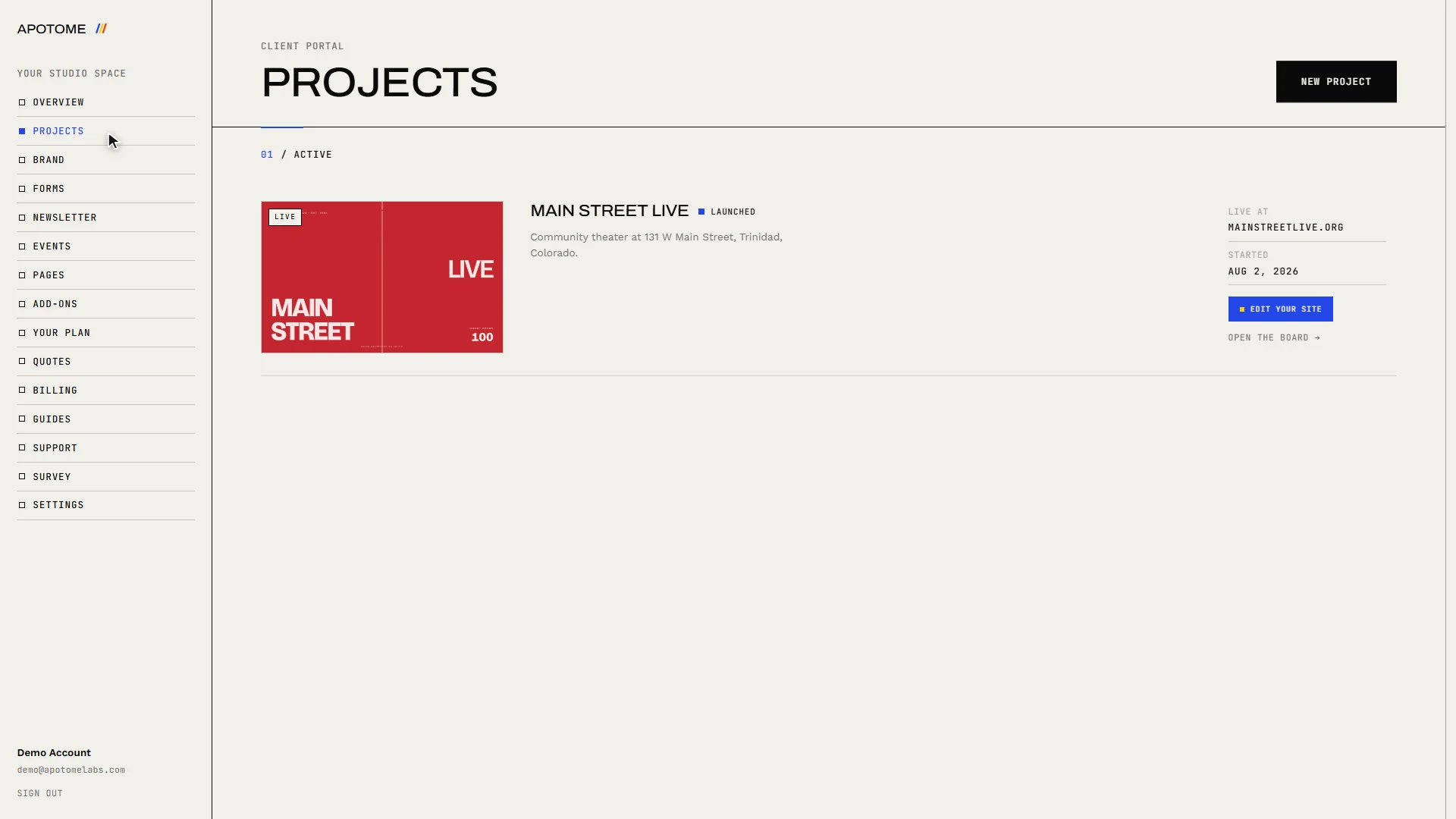
Projects
Projects holds the work we do together. Open your project for its tasks, our updates, visitor numbers, files, your contract and messages.
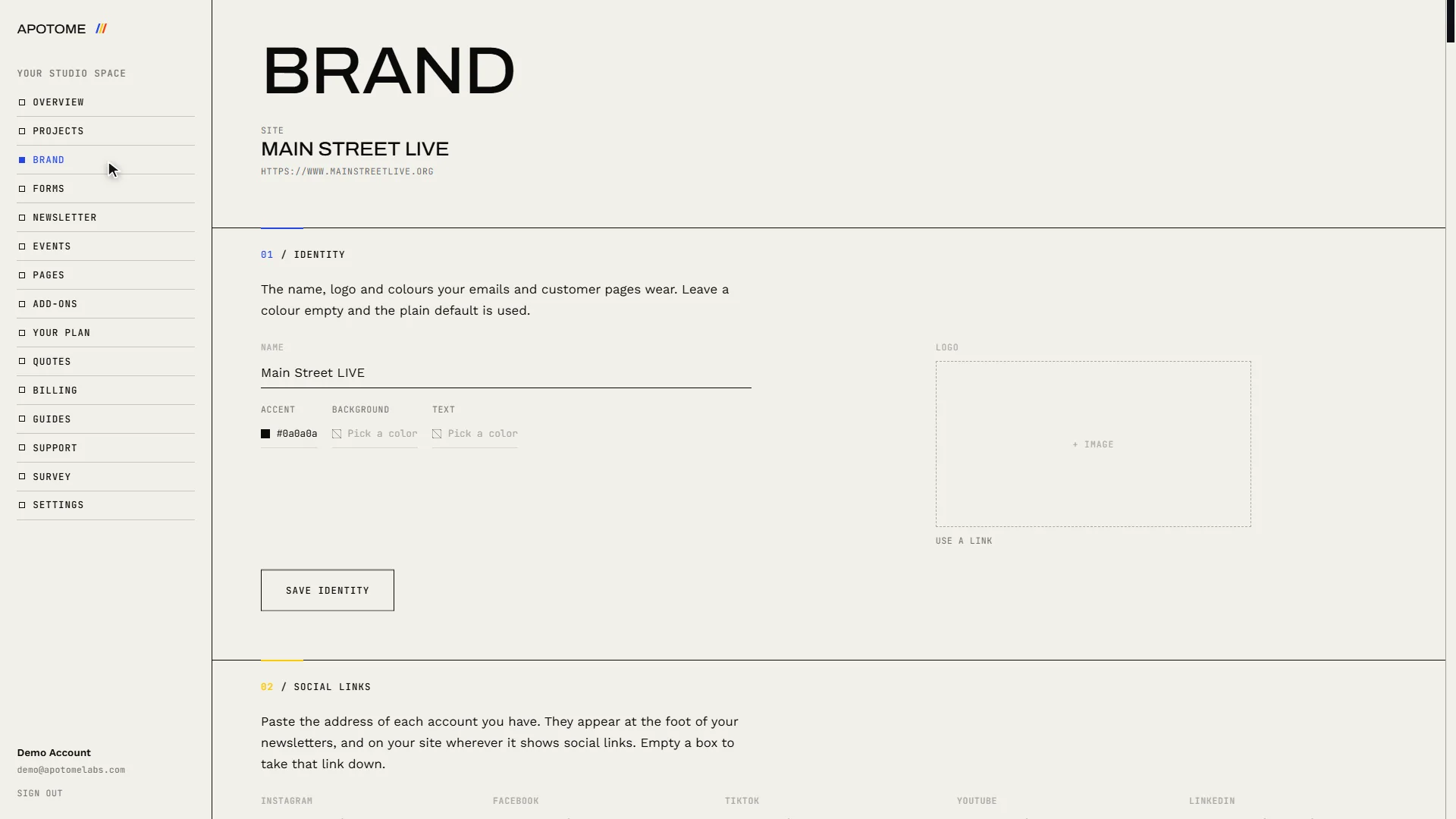
Brand
Brand keeps your logo, colours and social links in one place, so everything made for you matches.
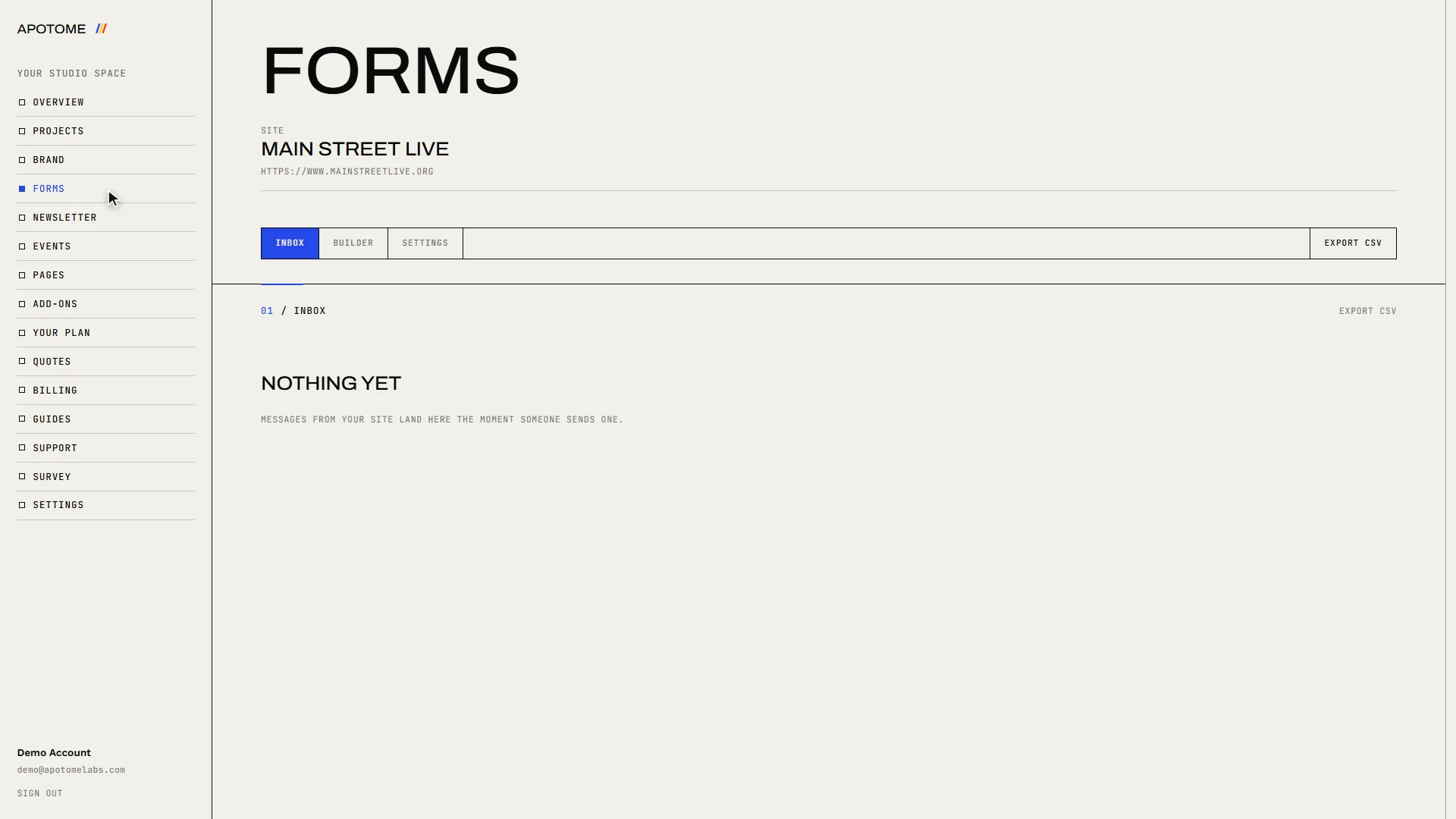
Forms
Forms collects every message sent through the forms on your website.
Newsletter
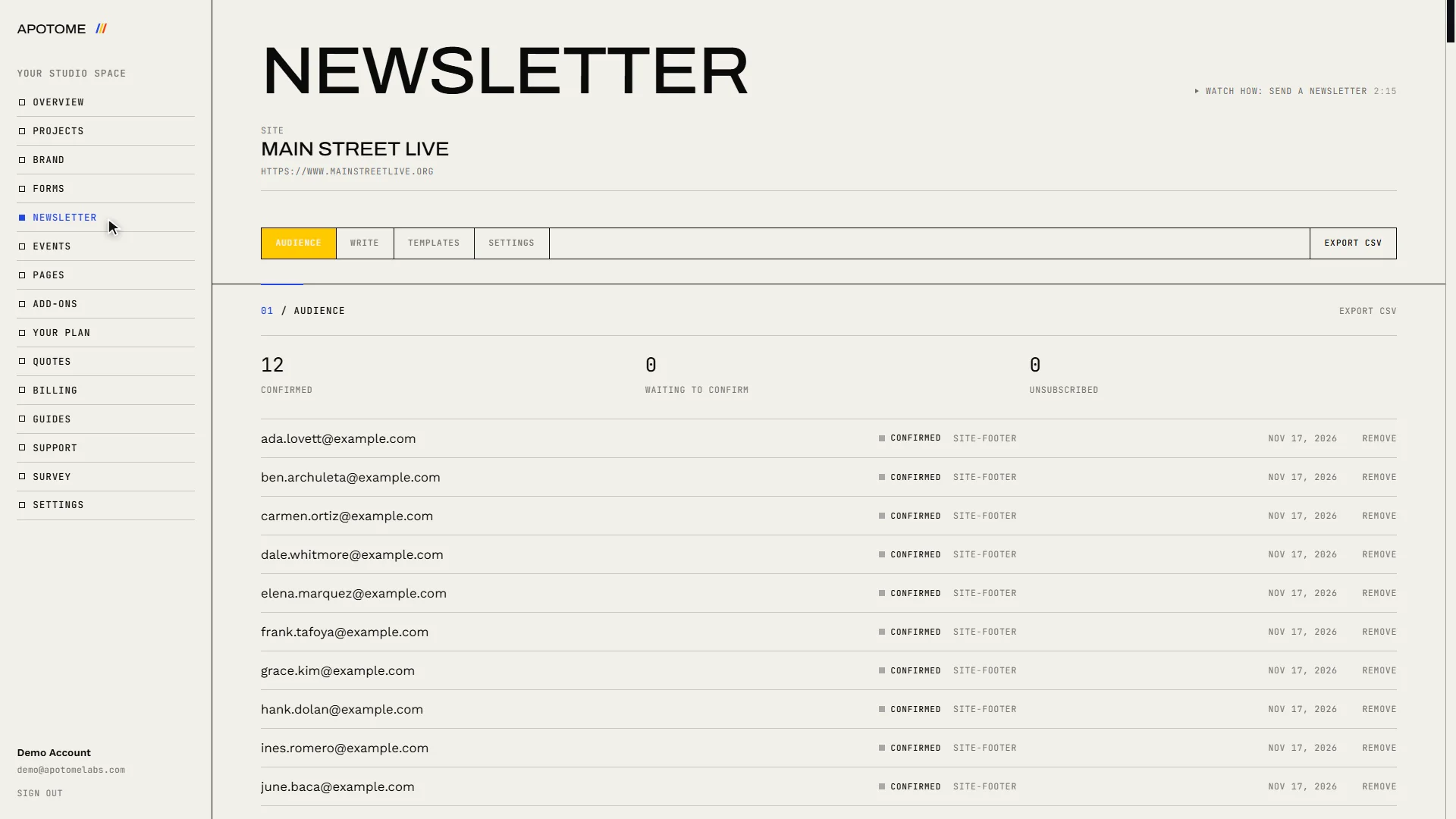
Newsletter is your mailing list and where you write to it.
Events
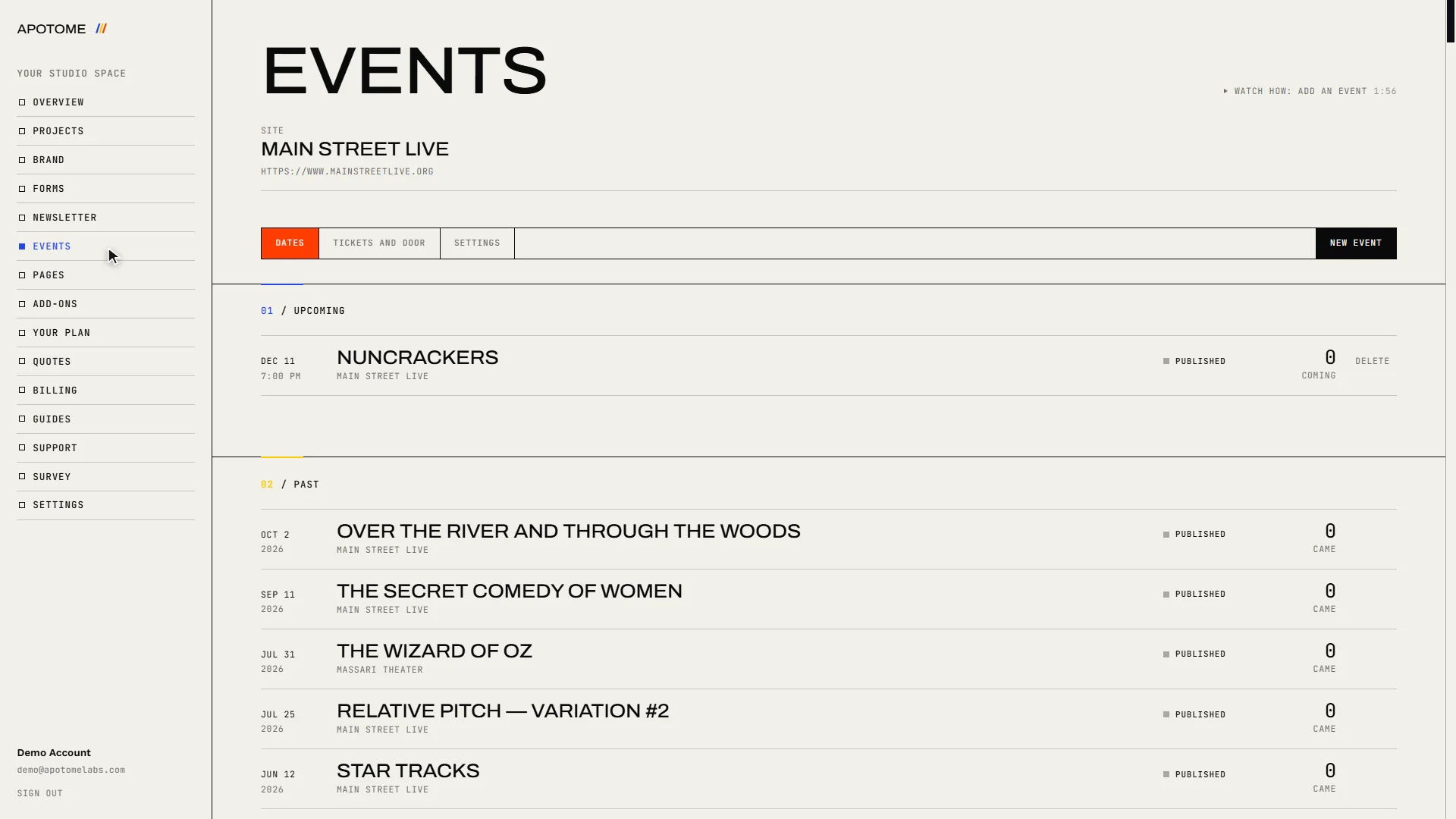
Events is your calendar. Anything you add here appears on your website.
Pages
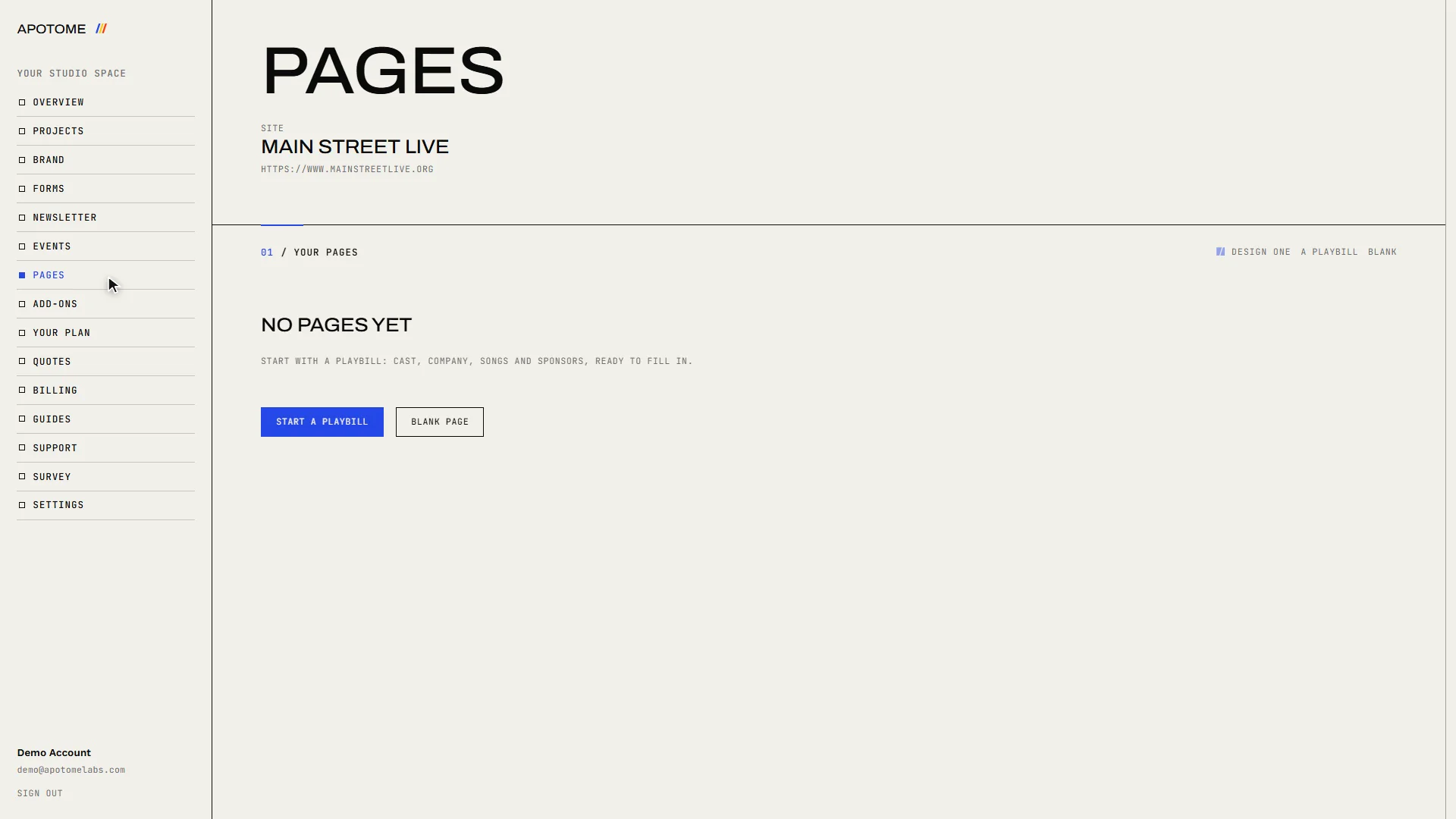
Pages makes simple standalone pages, such as a show programme, each with its own link and QR code.
Add-ons and your plan
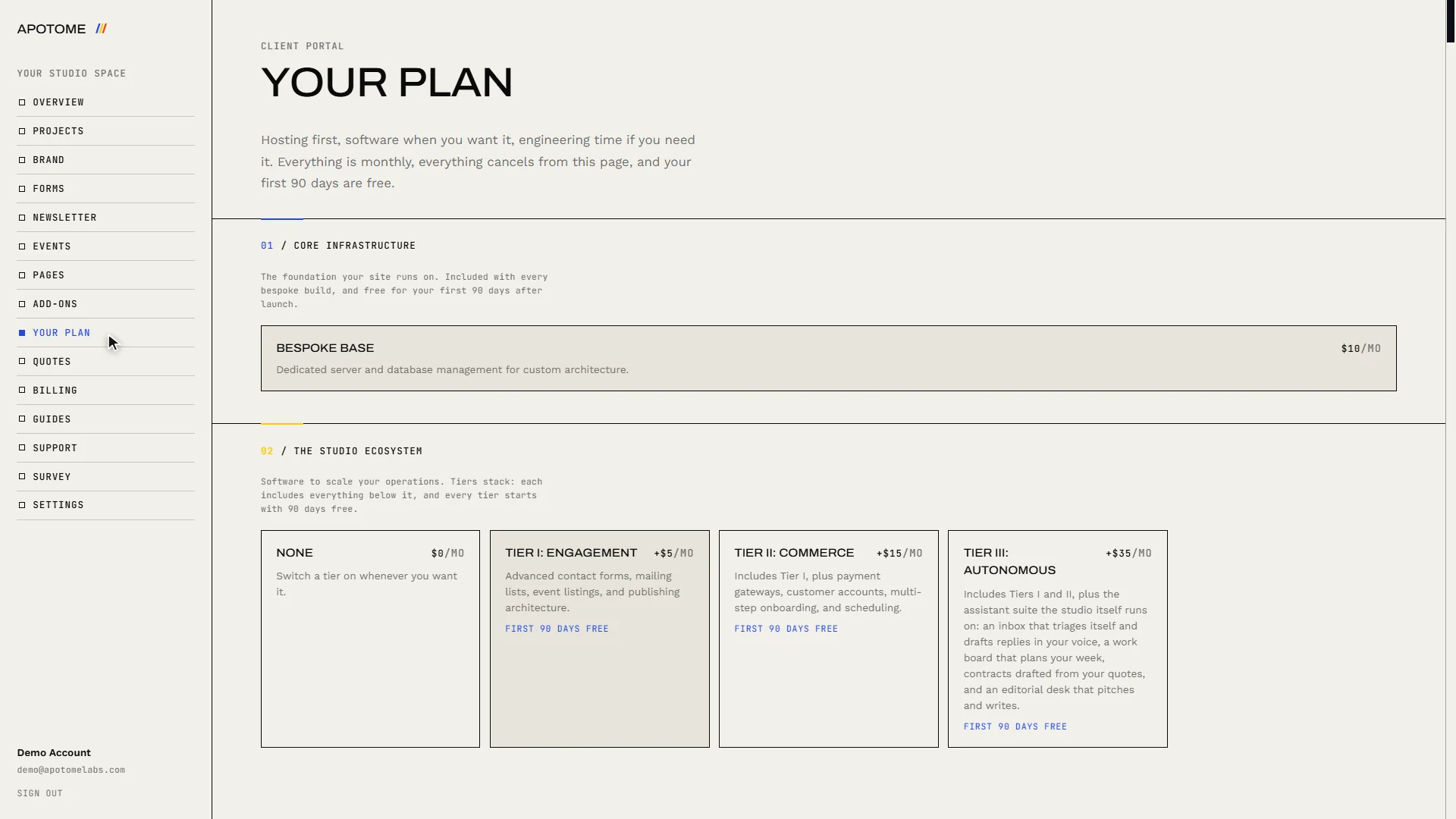
Add-ons is where features are switched on or off. Your plan shows what you are subscribed to.
Billing
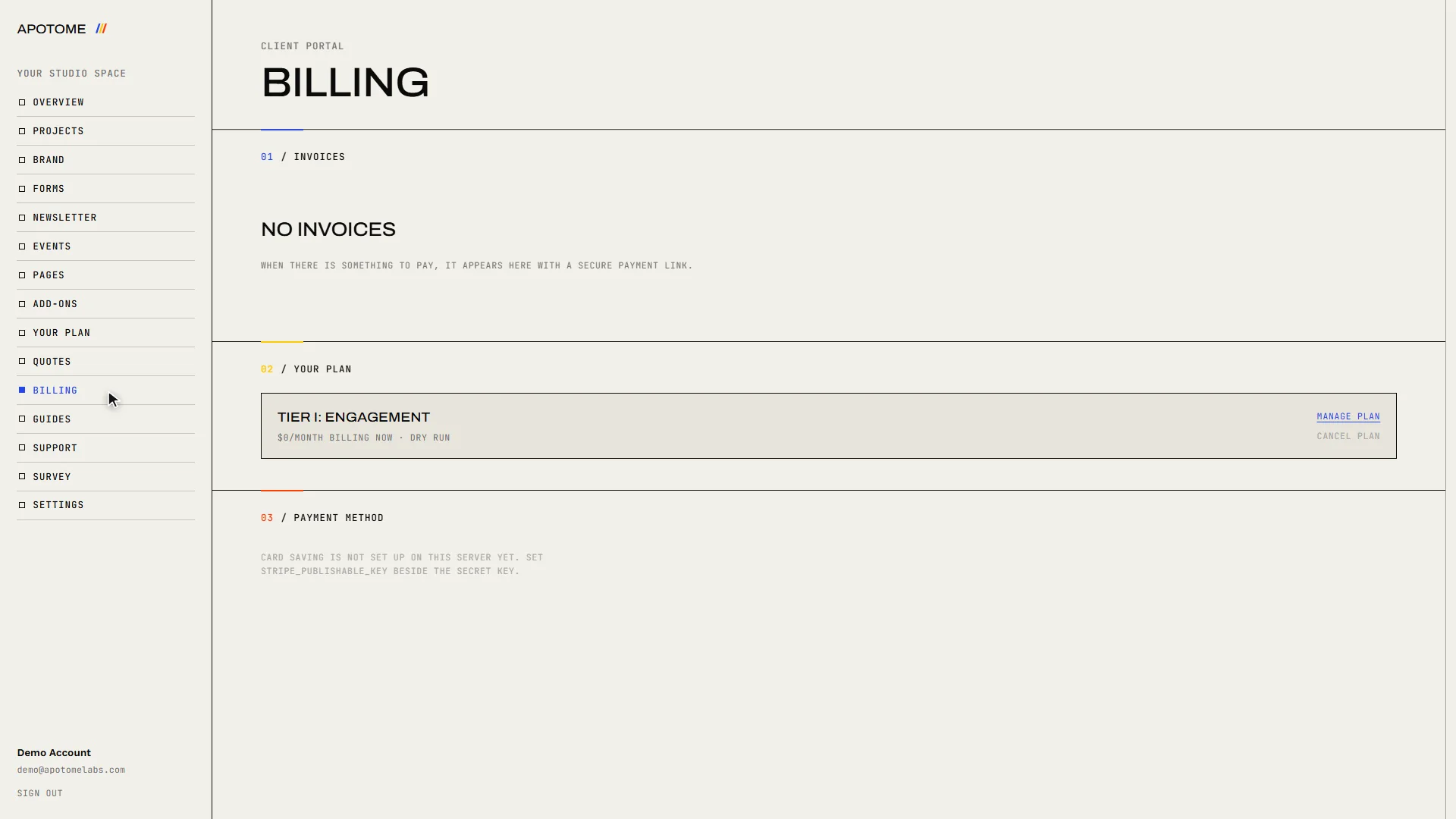
Billing lists your invoices and lets you pay them or update your card.
Support and Guides
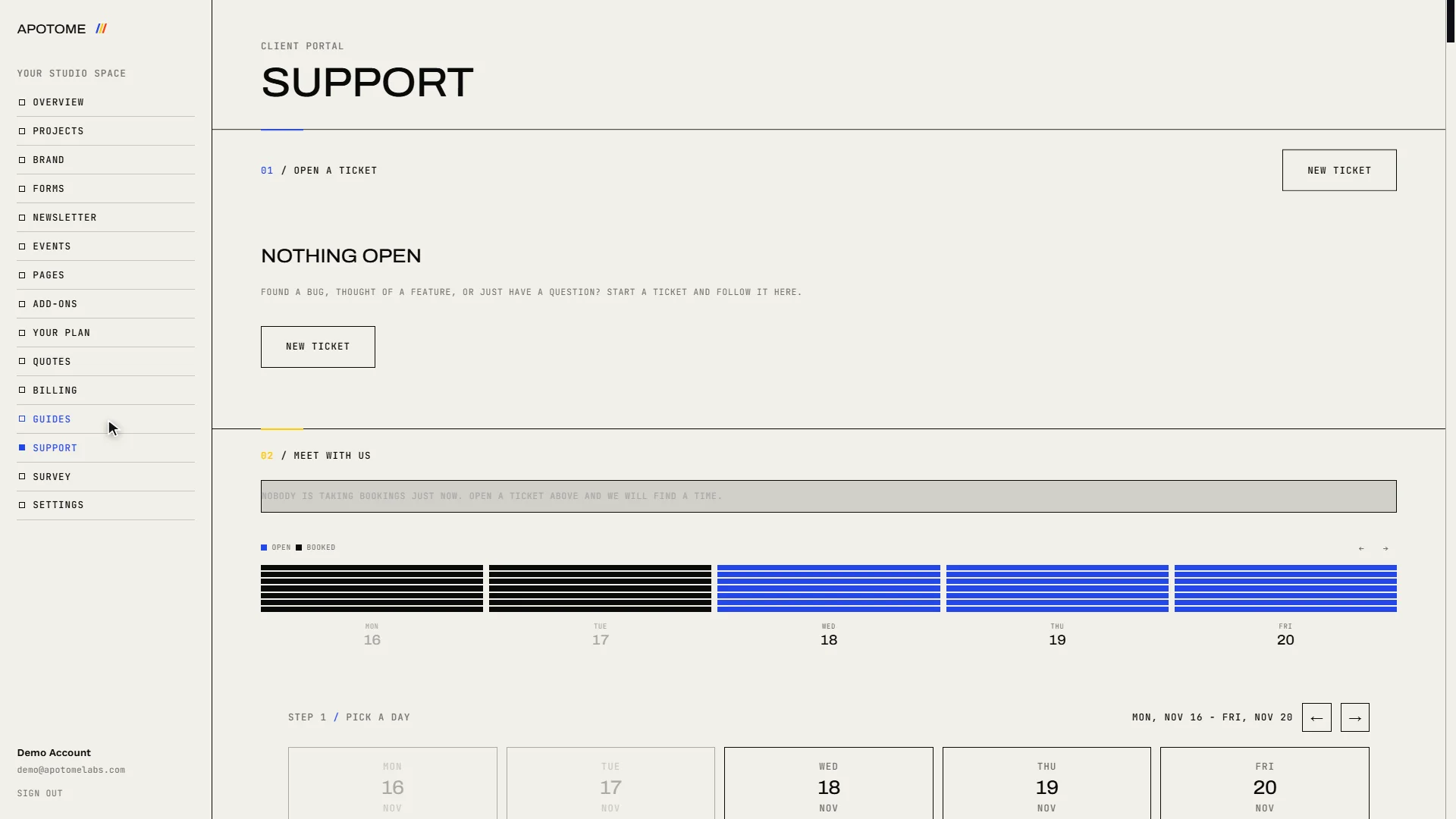
When you need a hand, Support is where you ask us for anything, and Guides opens these how-to videos.
Related guides
- Edit your website: Change the words on your website yourself: open the editor from your portal, click the text, type, and publish. Your site updates in about a minute.
- Sign in to your portal: Sign in to your Apotome Labs portal with Google or with your email and password, reset a forgotten password, and sign out again.
- Add an event: Add a new event to your website from the Apotome portal: title, description, date, time and venue, then publish. About two minutes.