Sign in to your portal
Sign in to your Apotome Labs portal with Google or with your email and password, reset a forgotten password, and sign out again.
Basics guide, about 1 minute. Recorded November 18, 2026.
Open the client dashboard
Go to apotomelabs.com and choose Client dashboard at the top of any page.
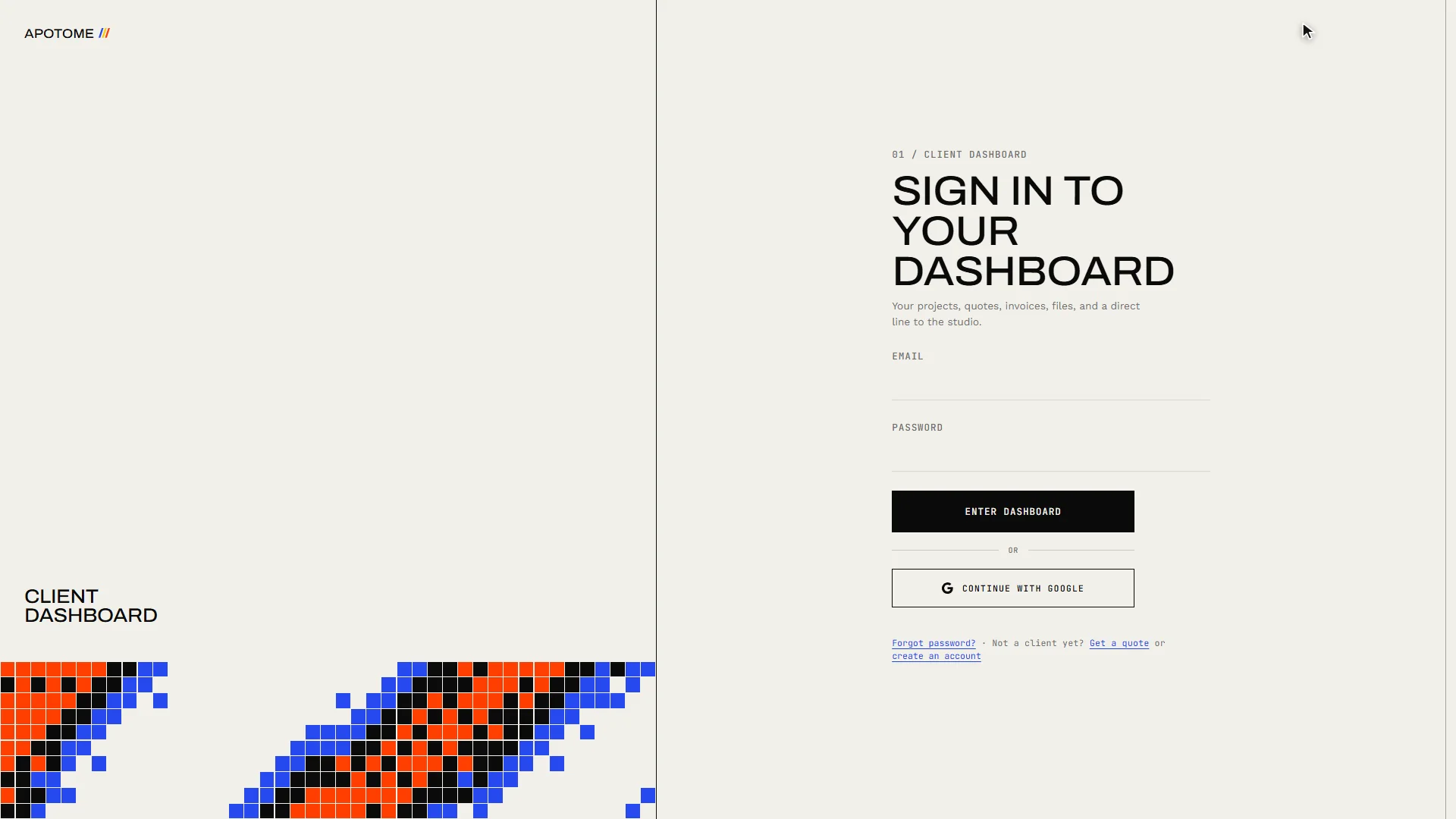
The quick way: Google
If your email is a Google account, choose Continue with Google. There is no password to remember.
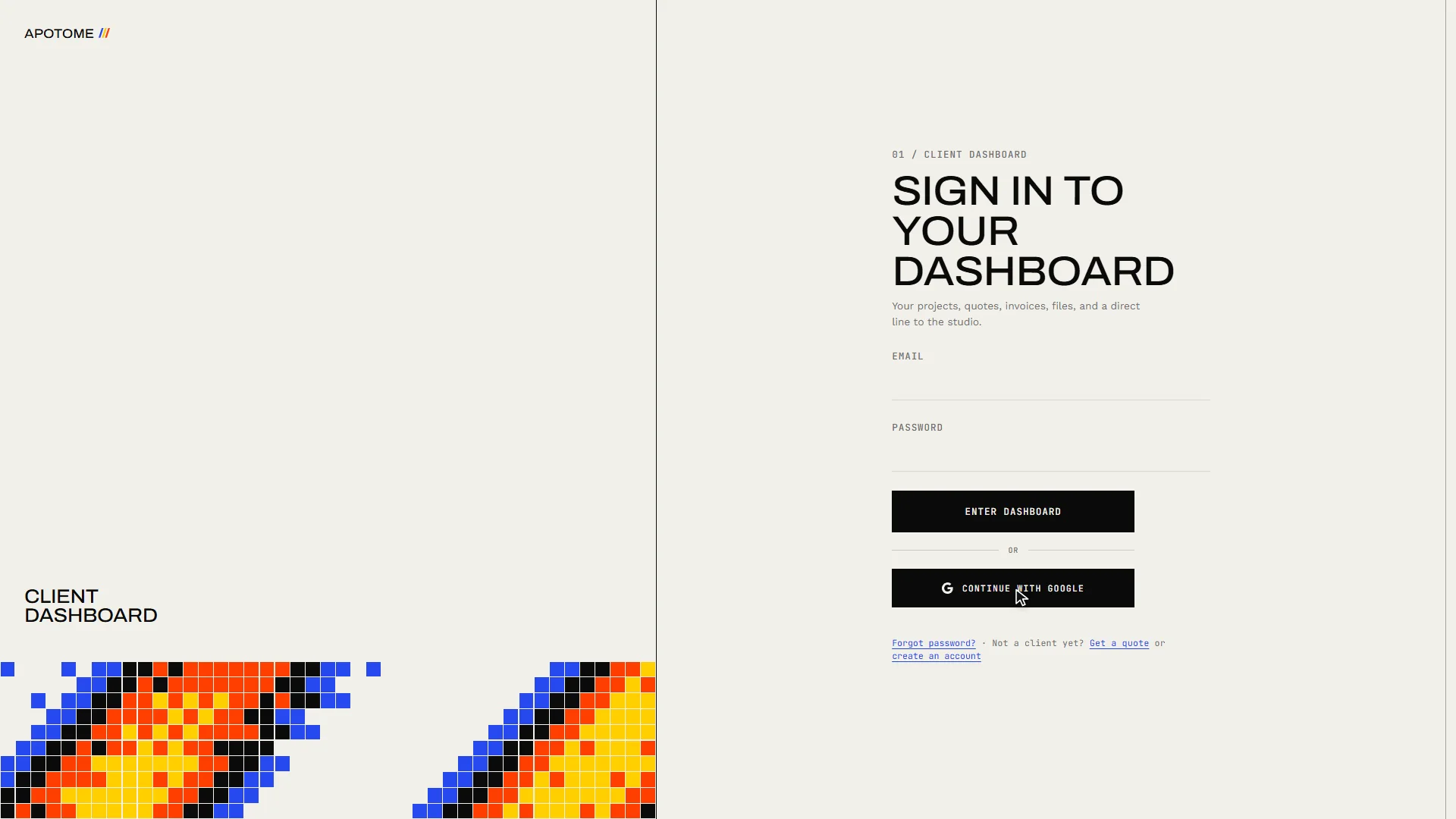
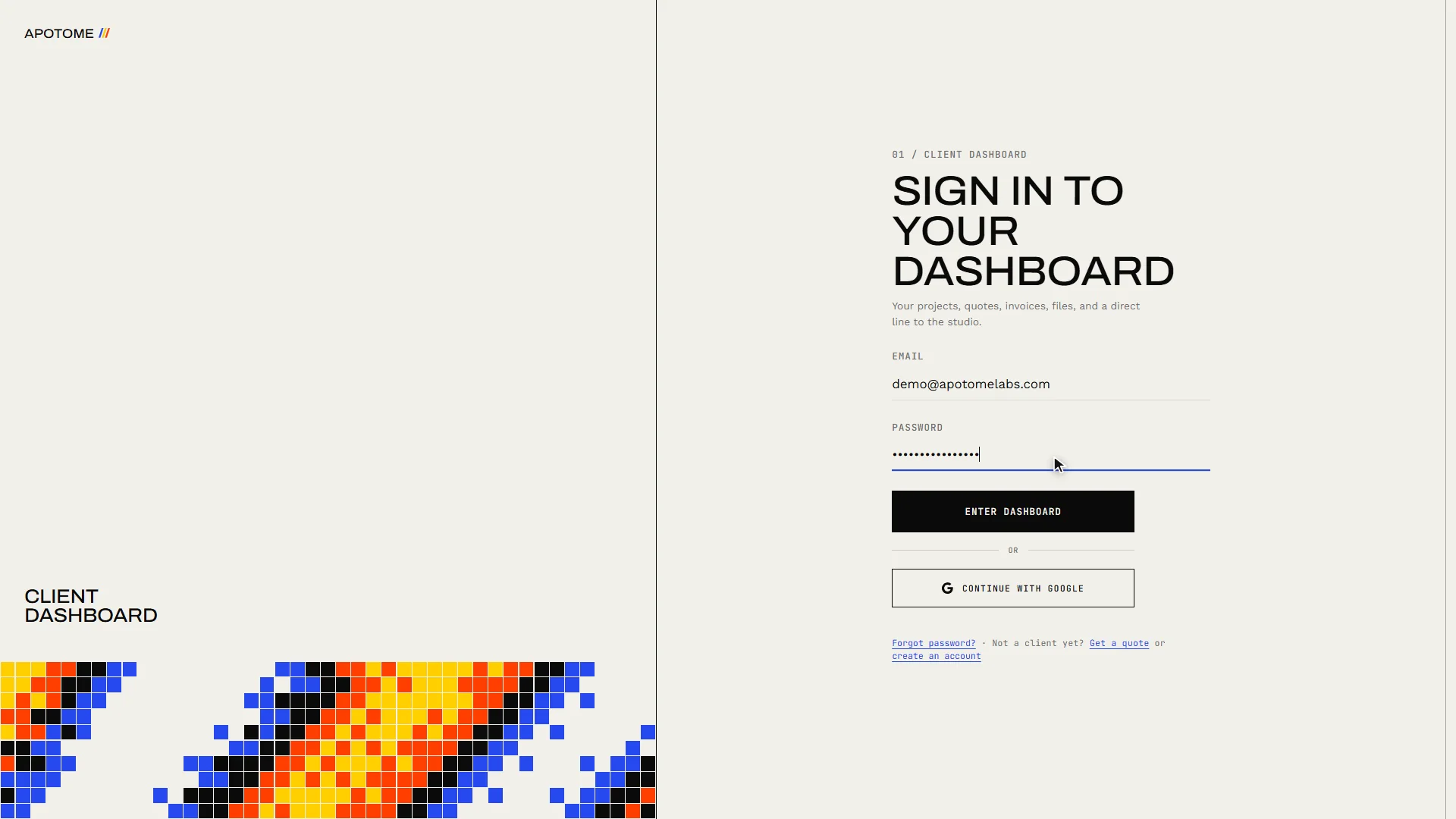
Or your email and password
Otherwise, type the Email your account was set up with, and your Password.
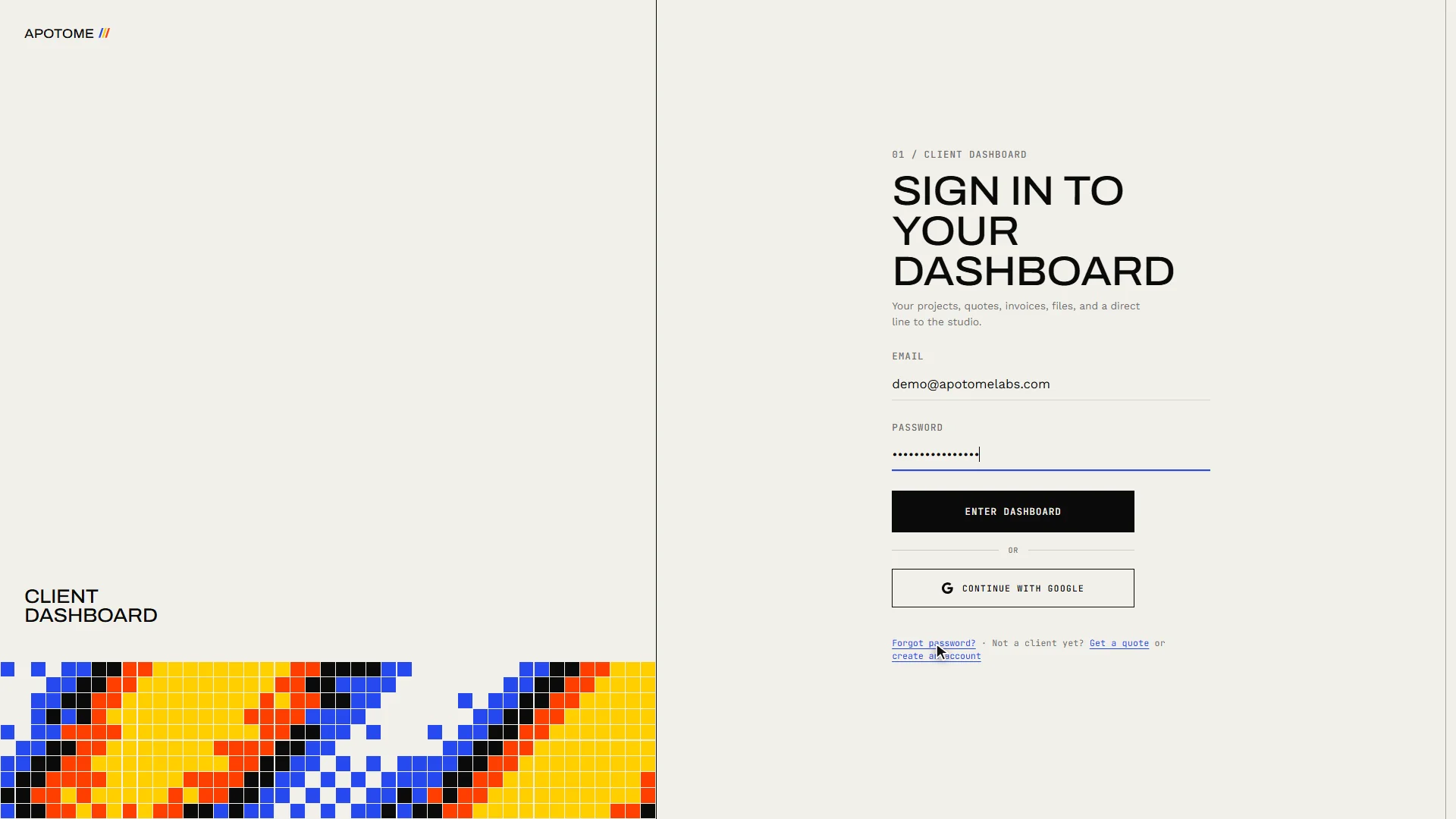
Forgot your password?
If you have forgotten it, choose Forgot password?, enter your email, and a link to set a new one is sent to you. The link works once and expires after 30 minutes.
Enter your dashboard
Choose Enter dashboard. You land on your portal, where your website, events, newsletter and billing all live.
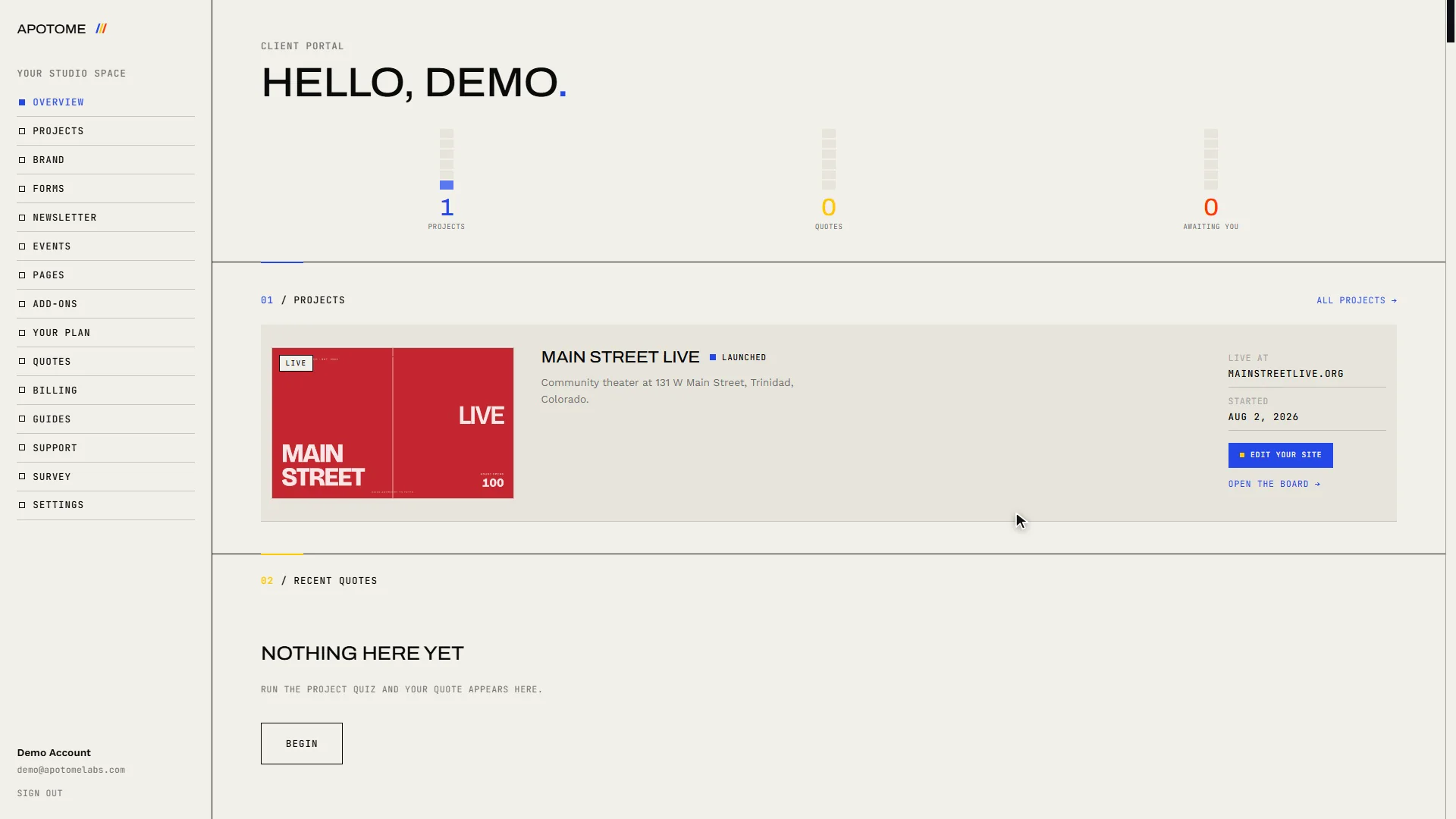
Sign out when you are done
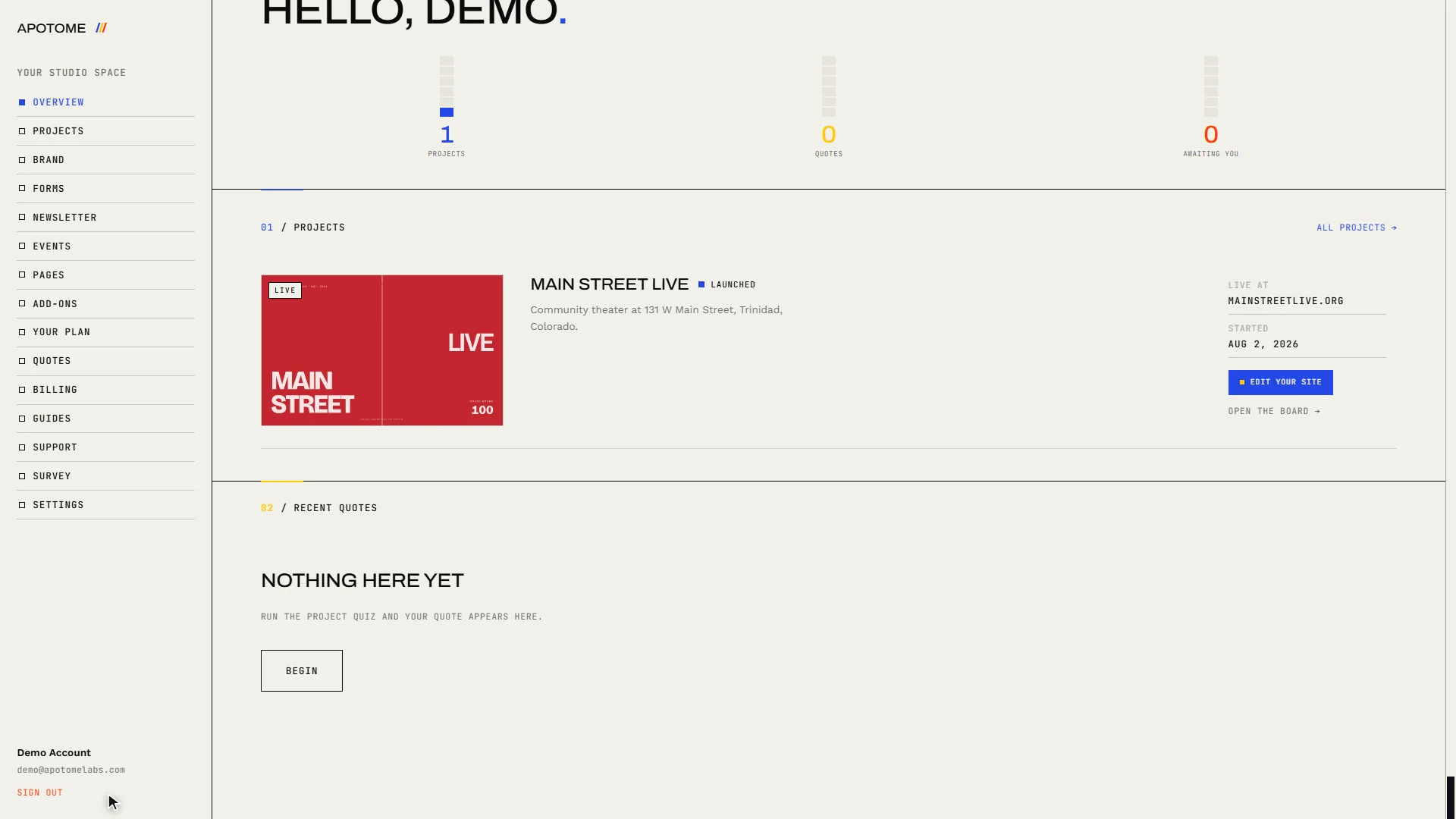
When you are finished, especially on a shared computer, choose Sign out at the bottom of the menu.
Related guides
- A tour of your portal: A two-minute walk through your Apotome Labs portal: what each item in the menu is for, from your project and brand to events, newsletter, billing and support.
- Edit your website: Change the words on your website yourself: open the editor from your portal, click the text, type, and publish. Your site updates in about a minute.
- Add an event: Add a new event to your website from the Apotome portal: title, description, date, time and venue, then publish. About two minutes.