Send a newsletter
Write a newsletter in your Apotome portal and send it to everyone who signed up on your website: subject, heading, text, event listing, test, send.
Newsletter guide, about 2 minutes. Recorded November 18, 2026.
Open Newsletter
Sign in to your portal and choose Newsletter in the menu on the left.
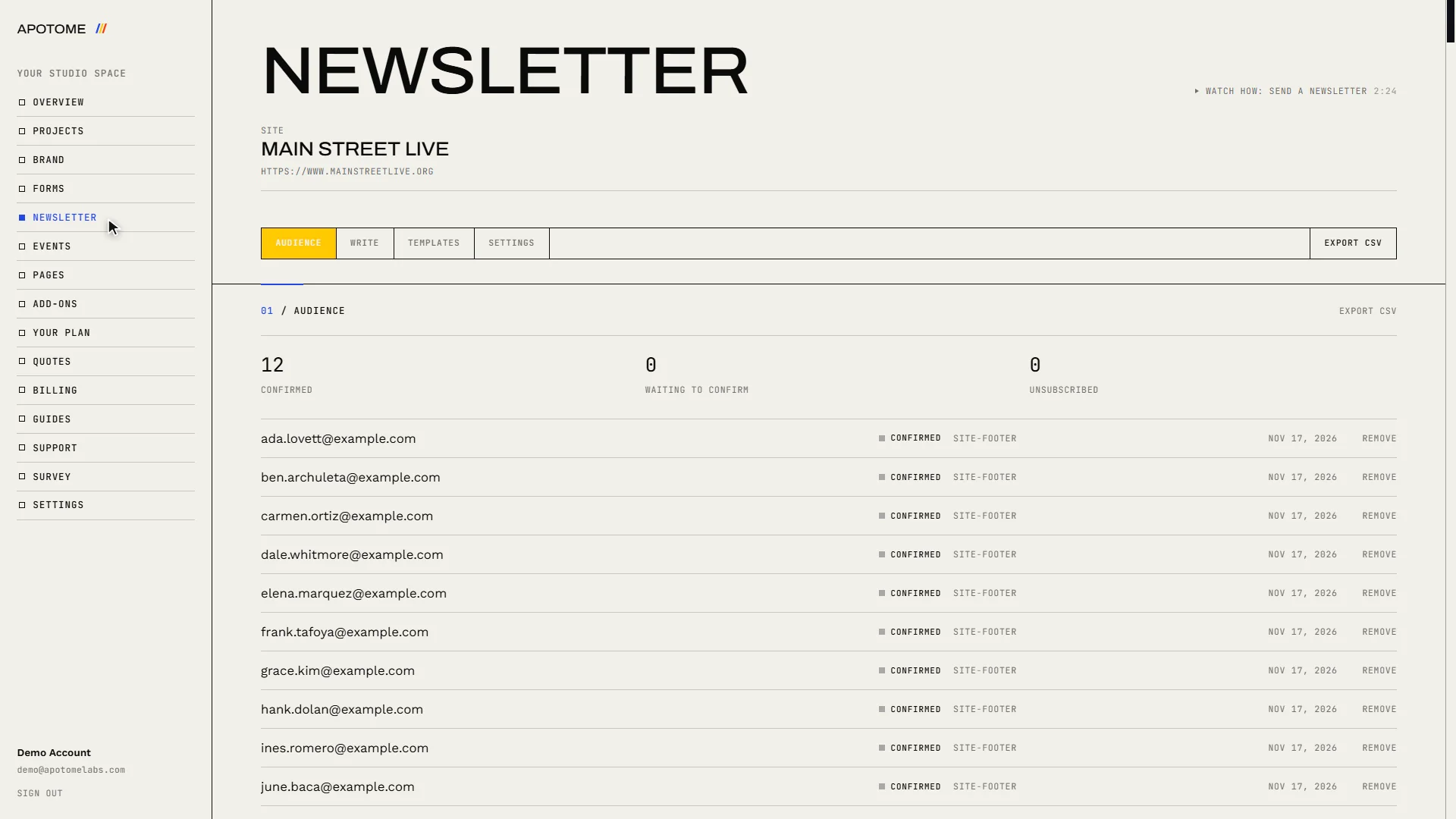
See who it goes to
The Audience tab lists everyone who signed up on your website. A newsletter goes to the people marked confirmed: they clicked the link in the email your site sent them.
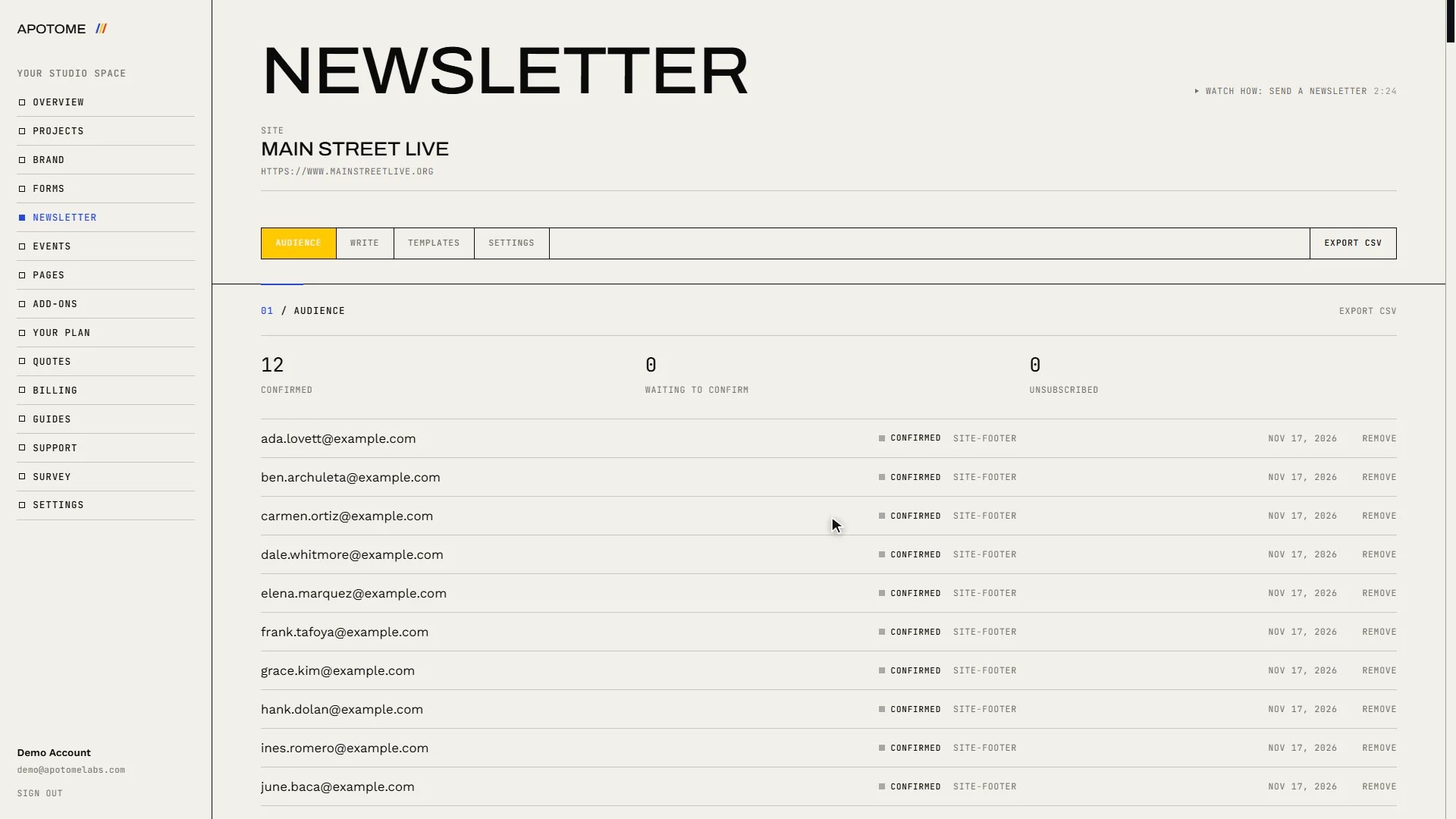
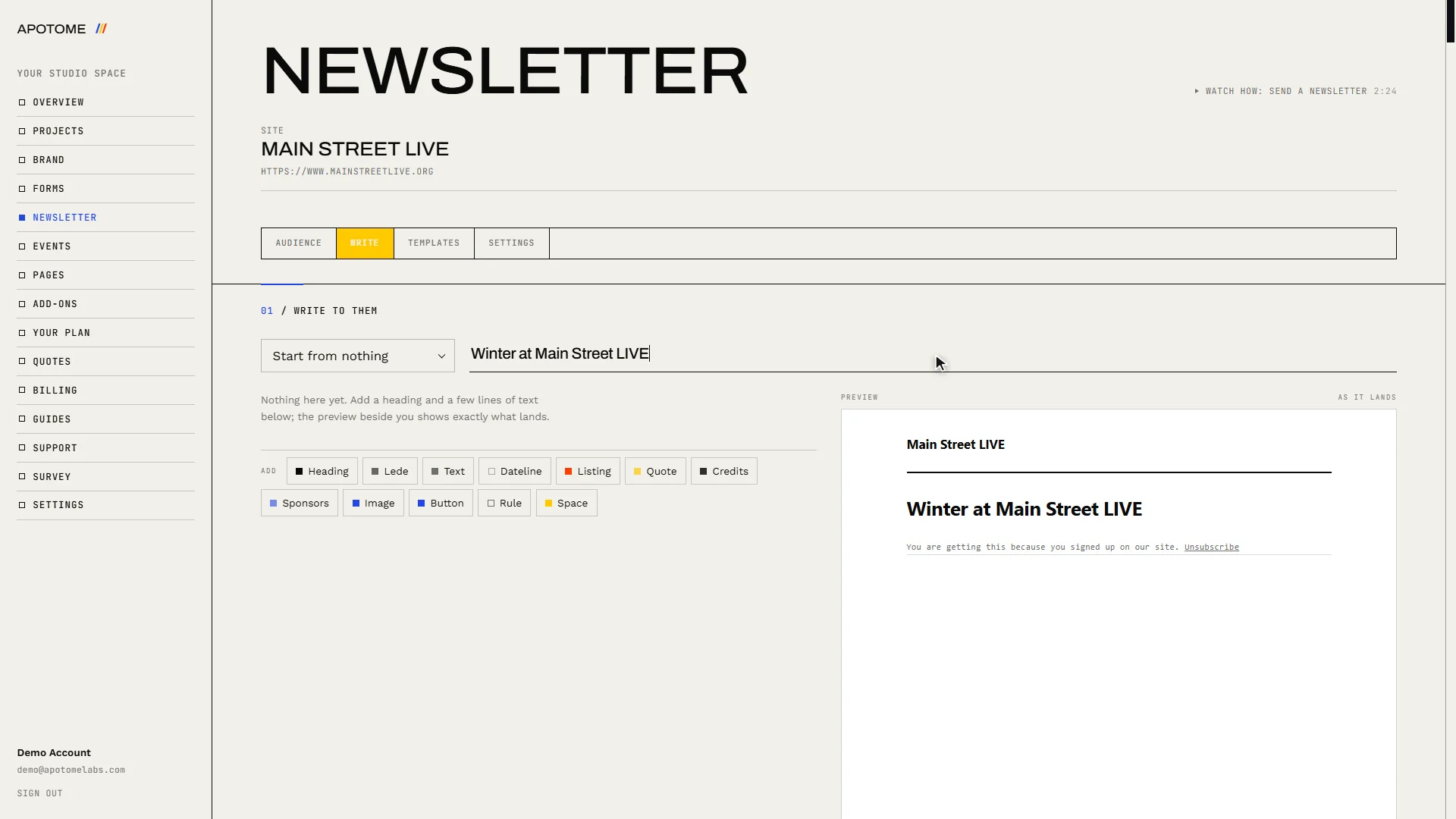
Start with a subject
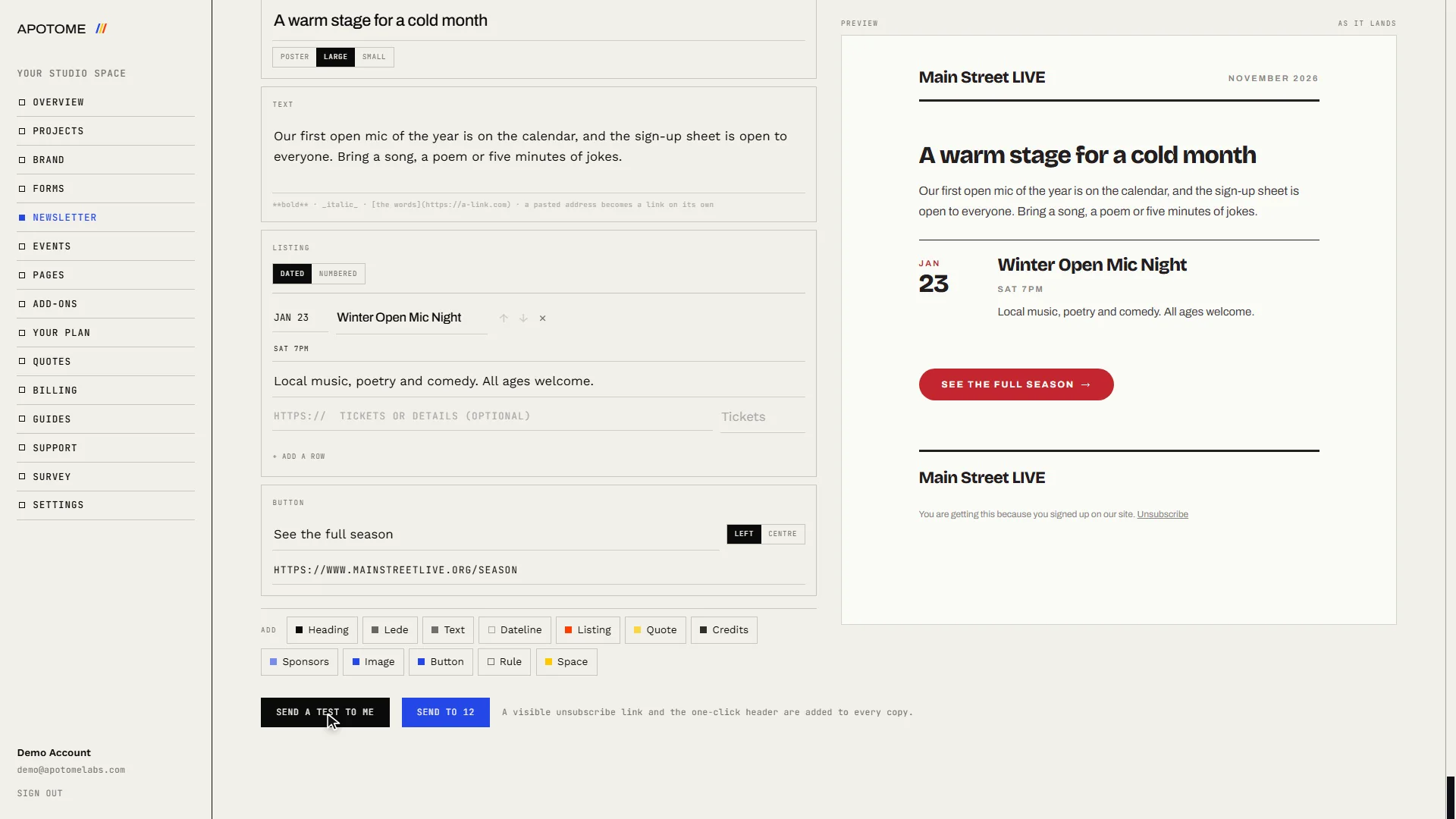
Choose the Write tab and type a Subject line. It is the first thing people see in their inbox, so say what is inside.
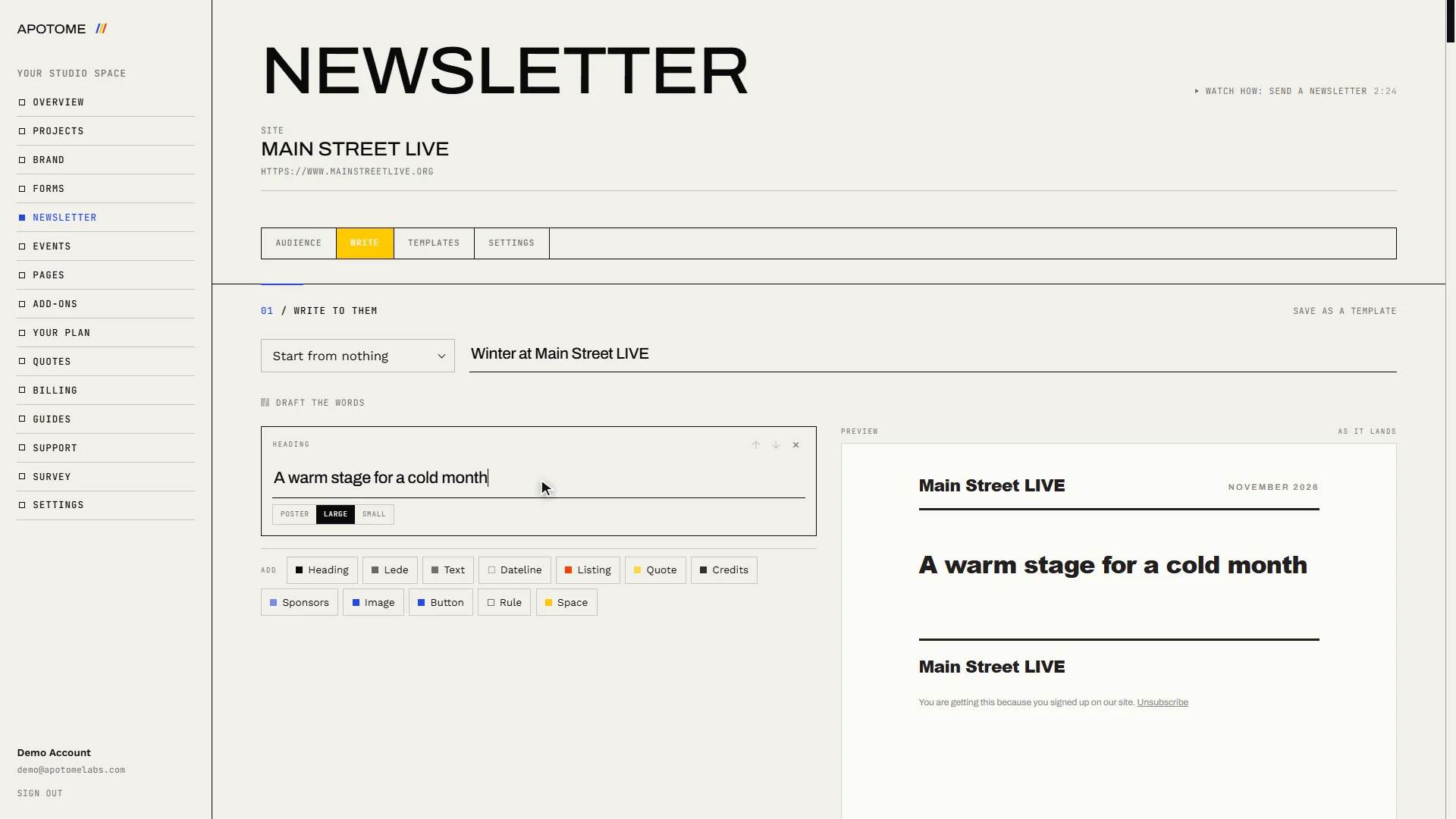
Add a heading
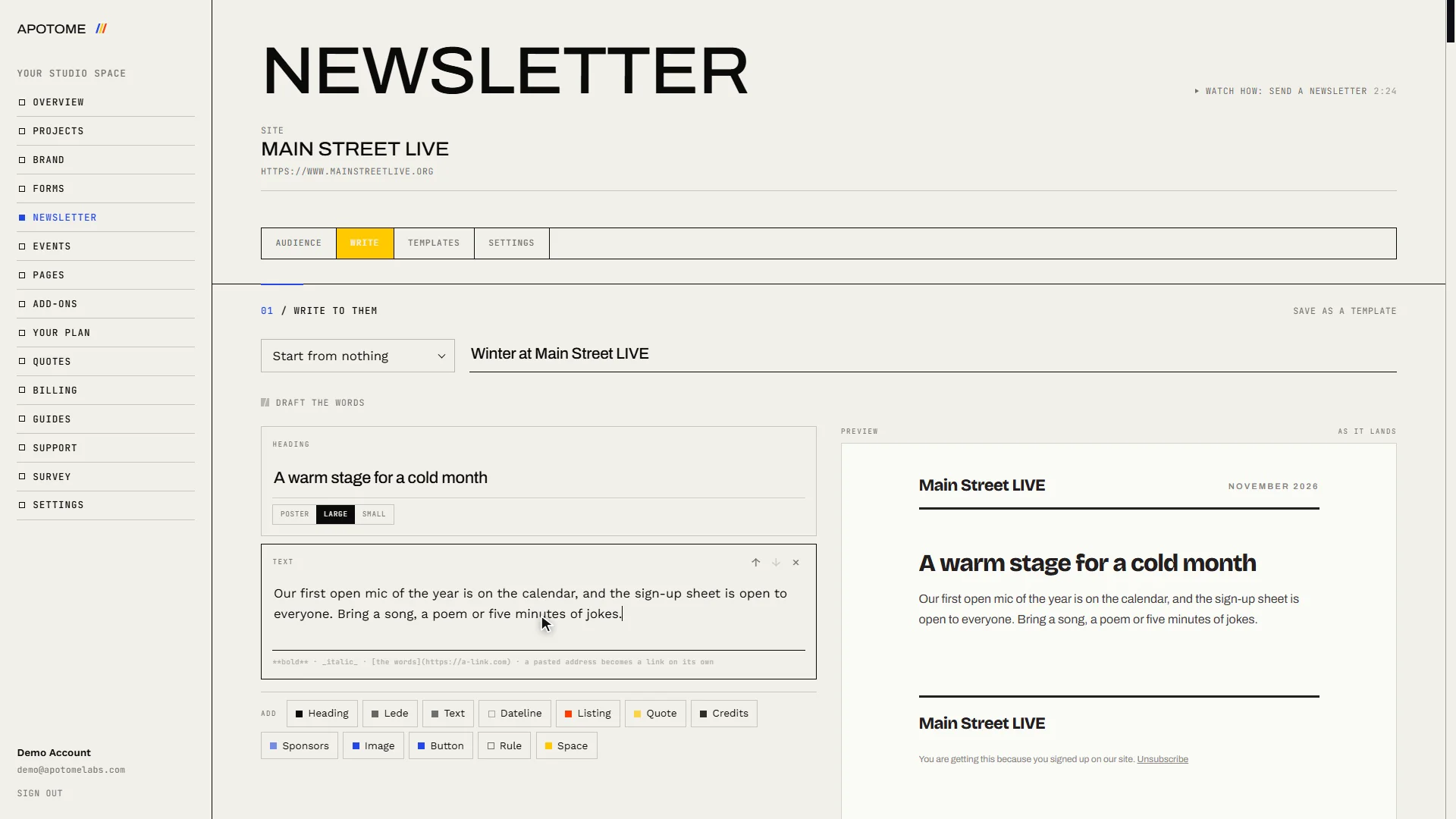
A newsletter is built from blocks. In the Add row, choose Heading and type your headline.
Write your message
Add a Text block and write your message. A blank line starts a new paragraph.
List your events
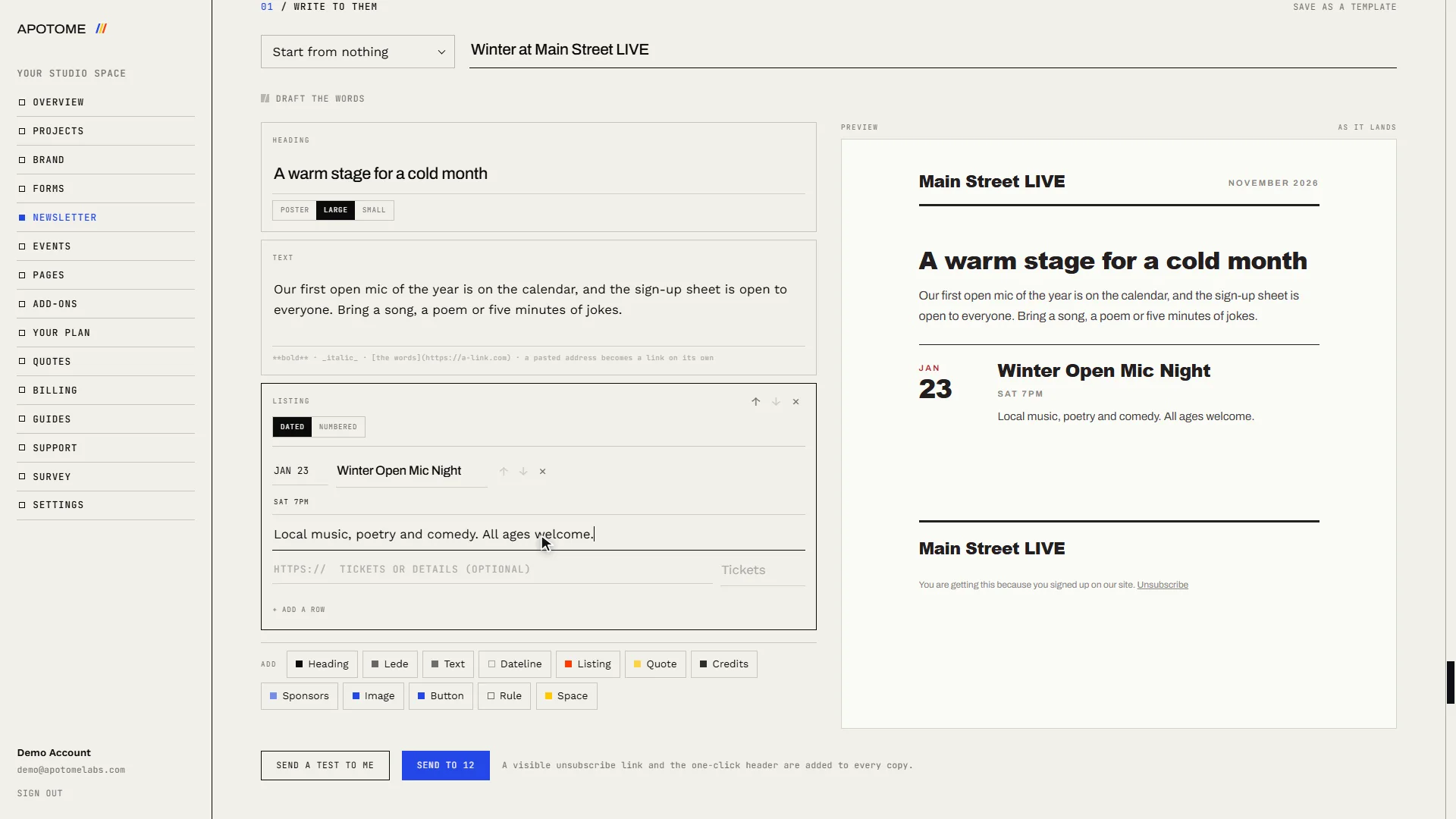
To promote events, add a Listing. Fill in the date, the title, when it happens and a line about it. Add a row for each further event.
Add a button
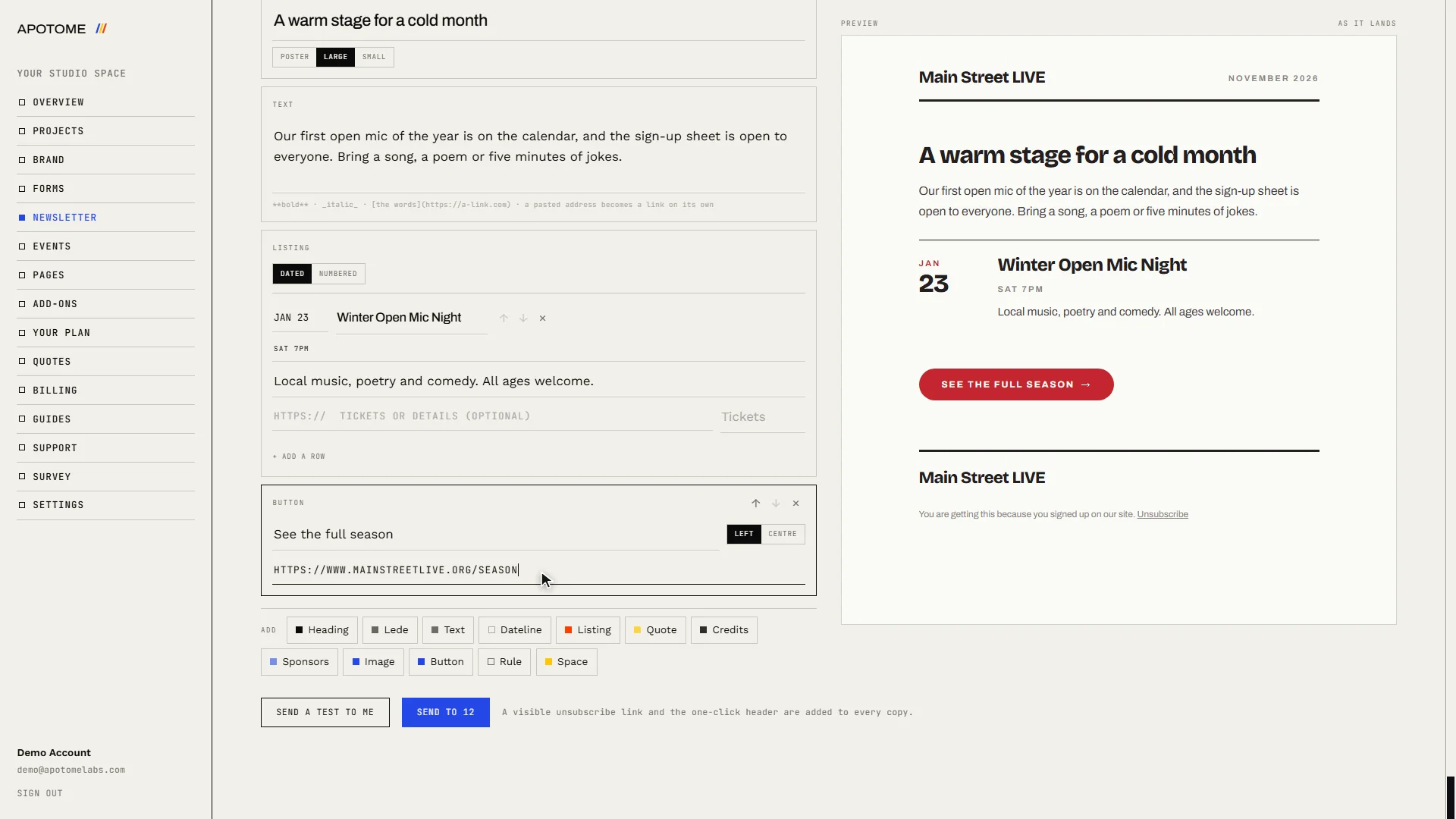
Add a Button to send readers to your website. Type what the button says, then paste the link it should open.
Check the preview
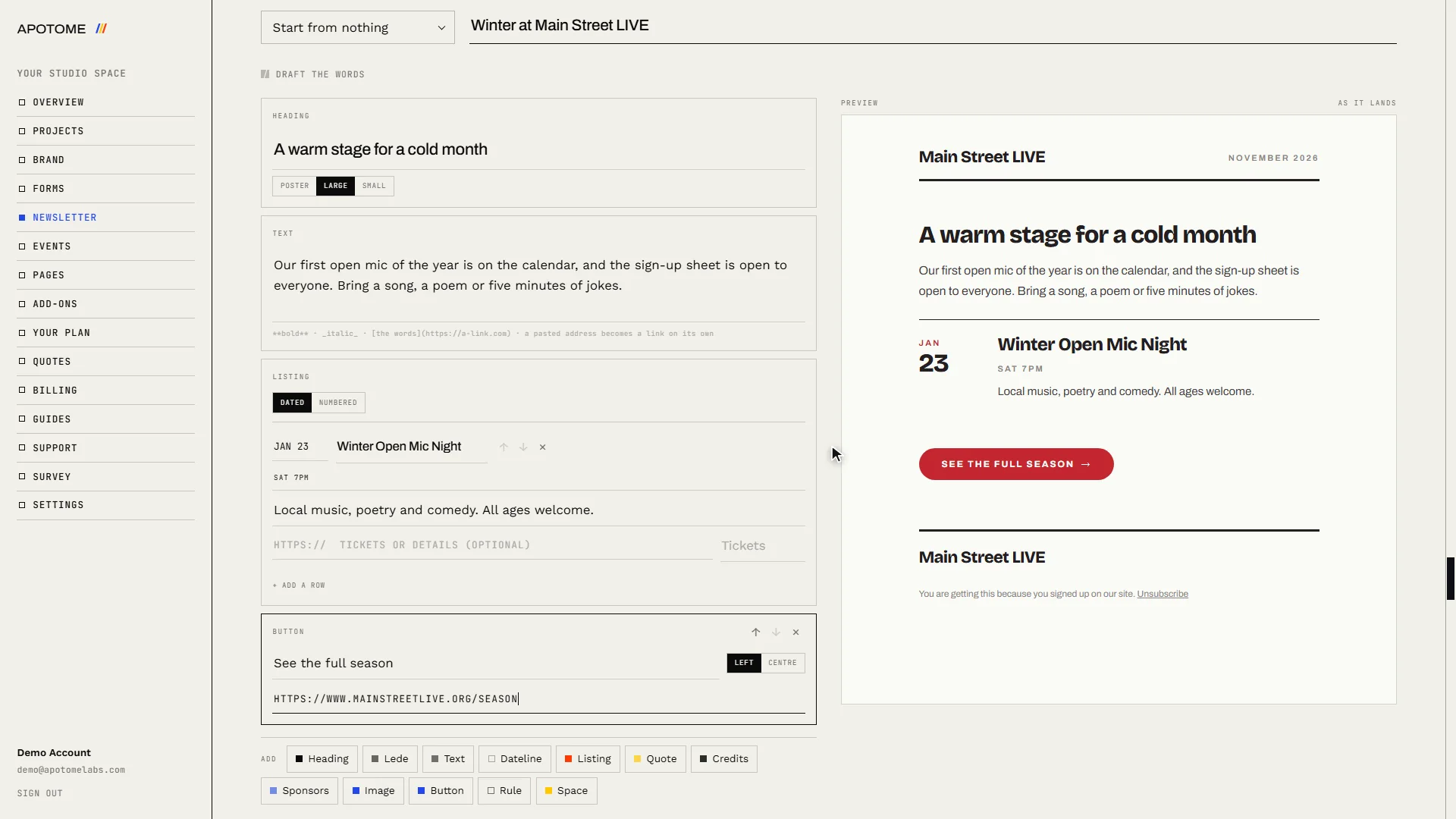
The Preview on the right shows the newsletter exactly as it will arrive. Read it through.
Send yourself a test
Choose Send a test to me. A copy arrives in your own inbox, so you can check it the way your readers will see it.
Send it
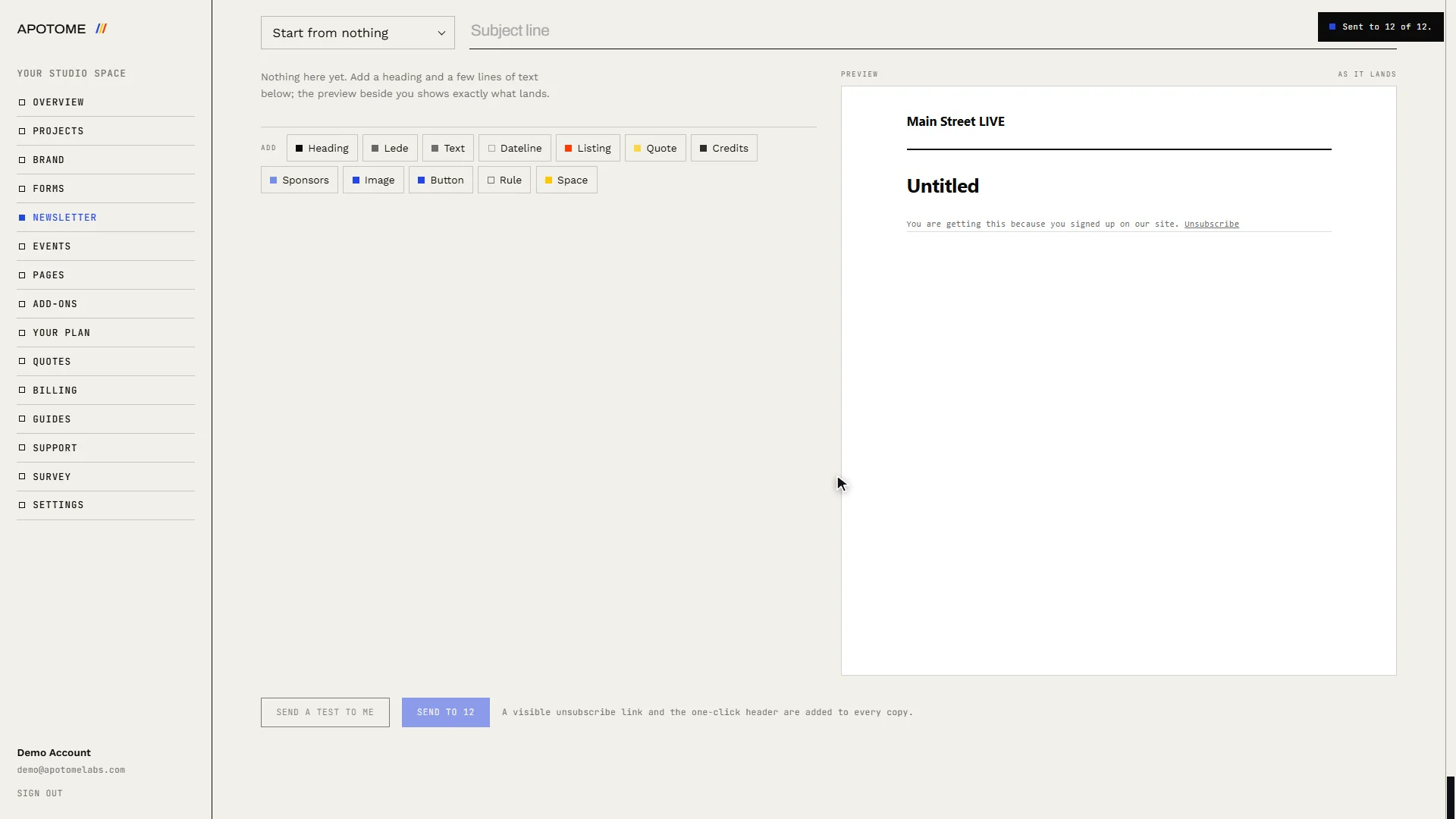
Choose Send to (the button shows how many people will get it), then Send it to confirm. It goes out straight away and cannot be taken back, which is why the test comes first.
Related guides
- Your newsletter audience: See who is on your mailing list, what confirmed means, how to export or remove people, and how to set the name and address every newsletter carries.
- A tour of your portal: A two-minute walk through your Apotome Labs portal: what each item in the menu is for, from your project and brand to events, newsletter, billing and support.
- Edit your website: Change the words on your website yourself: open the editor from your portal, click the text, type, and publish. Your site updates in about a minute.